AiPose
If you are looking for a best image and video tool that helps you turn simple ideas, photos, and clips into polished social-ready visuals, AiPose is a useful app for creators, marketers, and brands who want good results without spending hours editing.
AI Categories:
Follow:
AiPose
Details
|
AI Technology |
437+ artistic filters, Stable Diffusion |
|
Subscription type | |
|
Use Cases | |
|
AI Features | |
|
Languages |
Website available in multiple languages including English and Dutch |
|
Platform | |
|
Payments |
What is AiPose?
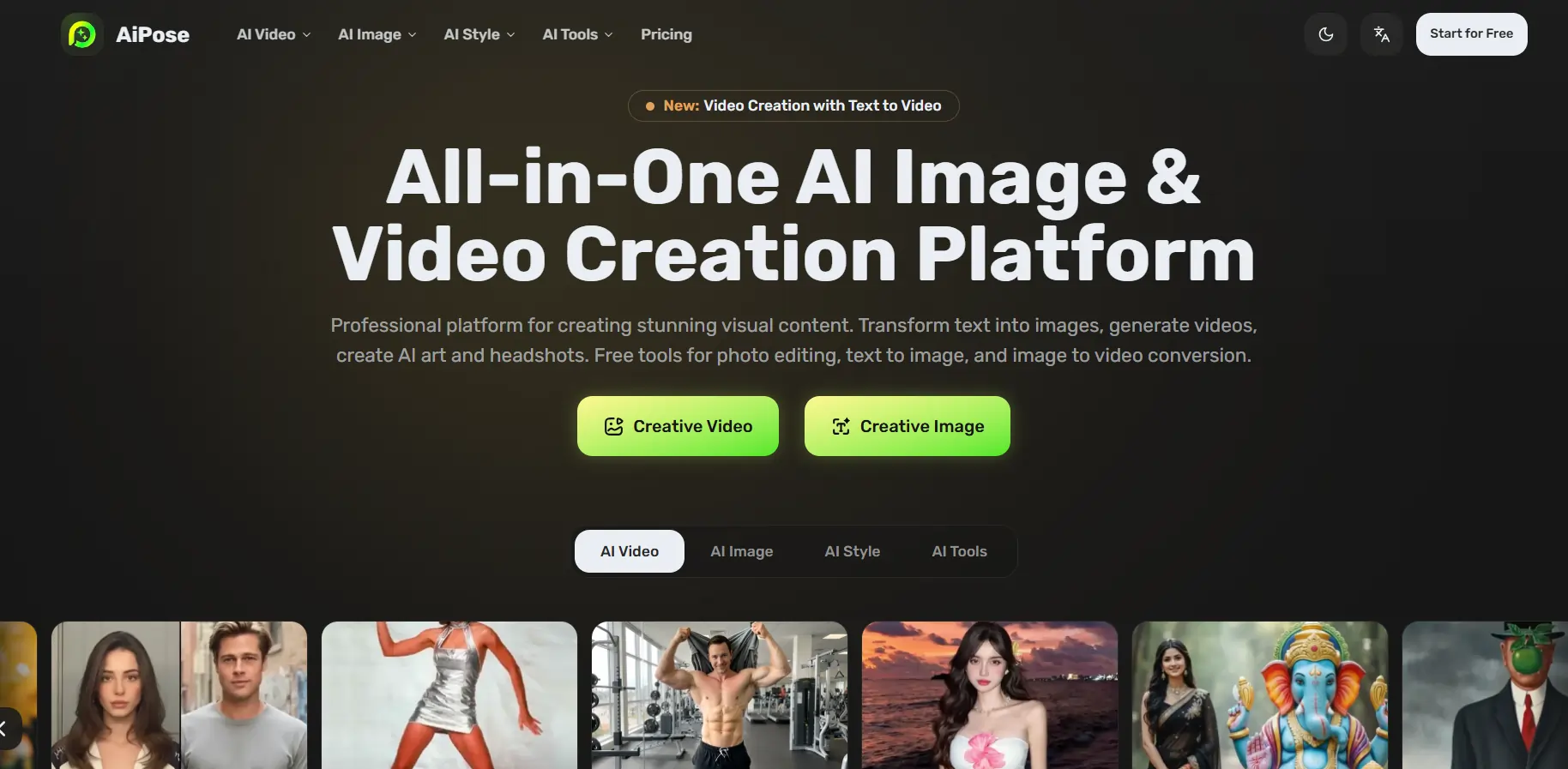
AiPose is an all‑in‑one visual creation platform that lets you create images and cinematic videos from text, photos, and short clips. Instead of juggling separate apps for editing, enhancement, and special effects, you get a single workspace with tools for video generation, photo retouching, and creative filters.
It suits solo creators and small teams who want a best image and video tool that feels simple but still gives enough control over the final look.
Key features
- Text to video: Turn written ideas or scripts into short videos for social media, ads, or explainers.
- Image to video: Animate photos, create slideshow‑style clips, or turn static visuals into scroll‑stopping videos.
- Text and image to image: Generate new visuals or variations from prompts and reference photos for thumbnails, characters, or concept art.
- Image enhancer and upscaler: Boost resolution up to sharp 4K‑style quality so your visuals look clean on large screens.
- AI image expander: Extend photos to any aspect ratio like 1:1, 16:9, or 9:16 for Reels, Shorts, and banners, with seamless edges.
- Object and watermark remover: Clean up distractions, remove logos, or fix backgrounds in a few clicks.
- Face, hairstyle, clothes, and expression changer: Try new looks, outfits, or moods for portraits and character shots.
- Photo restoration and colorizer: Repair old or low‑quality photos and add realistic color to black‑and‑white images.
Pros:
Cons:
Pricing plans
Always check the AiPose pricing page for the latest updates, as plans can change over time.
If you plan to push lots of shorts, ads, or product visuals every month, the Pro credits are likely enough for steady content output with this best image and video tool.
Why AiPose stands out
AiPose stands out because it feels like a visual creation control center: text to video, image enhancer, object remover, and portrait tools all live in one place, so your workflow stays simple.
For creators who bounce between TikTok, Instagram, YouTube, and storefronts, the built‑in aspect‑ratio presets and upscaling save time and help you keep a consistent look across platforms with one best image and video tool. It also gives more creative freedom for portraits and characters with hairstyles, outfits, and expressions that feel fun to tweak instead of tedious to retouch.
Final verdict
AiPose is a reliable choice for anyone who wants to simplify their visual content workflow, from quick Reels to product images, and get polished results faster without a steep learning curve. For creators, marketers, and small teams hunting for the best image and video tool that feels friendly yet powerful enough for daily content, AiPose is definitely worth adding to your toolkit.
Rating Summary
Alternatives for
AiPose
-
MagicLight.ai is an advanced AI video generation tool that transforms text prompts into engaging animated videos within minutes. Designed for creators, educators, and marketers, it’s especially useful for those searching for a text to animation AI video creator that simplifies production without requiring editing skills.
-
Elicit is an AI-powered research assistant that helps you find, analyze, and summarize academic papers in minutes making literature reviews faster, smarter, and effortless.
-
Creating viral short-form content can be exhausting, but Submagic makes it effortless. This AI video caption generator automatically adds trendy subtitles, B-rolls, and zoom effects to your videos in minutes, helping creators boost video engagement without spending hours on editing.
-
SciSpace is an all-in-one AI research assistant designed to help students and academics understand, write, and publish papers faster. It simplifies complex scientific texts, making it the ideal literature review generator for researchers needing deep insights in minutes.