
Home
⭐ Simplified Review 2026: The All-in-One AI Tool for Content Creation, Design, and Social Media
⭐ Simplified Review 2026: The All-in-One AI Tool for Content Creation, Design, and Social Media
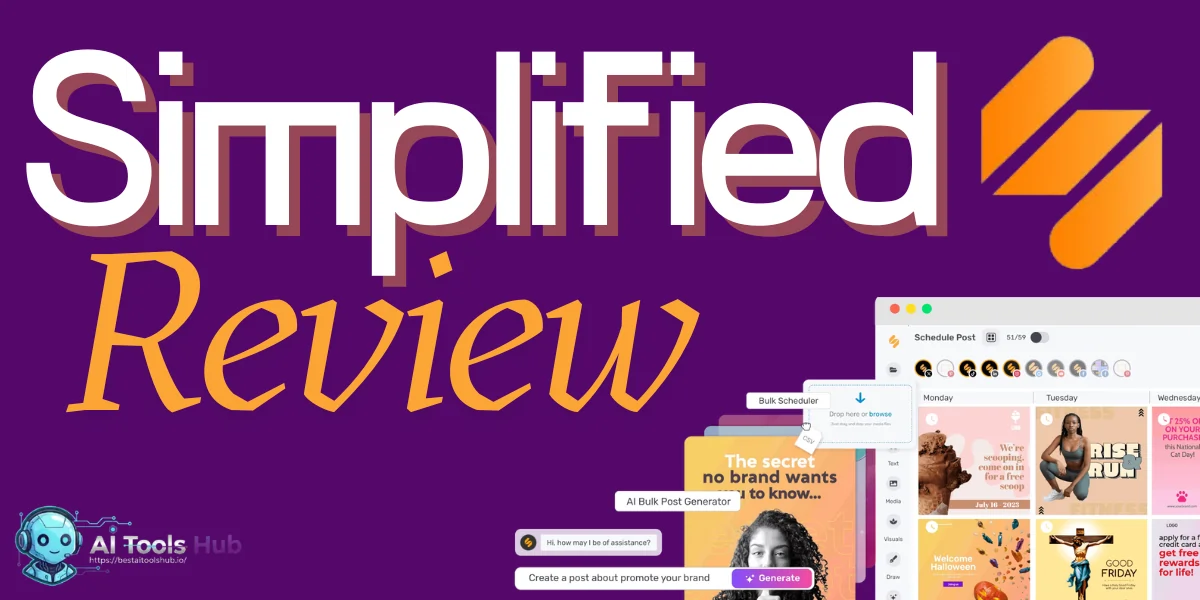
In the fast-moving world of digital content, creators, marketers, freelancers and small business owners often struggle with juggling multiple tools: a design app for graphics, a writer’s tool for copywriting, a video-editor for clips, and a social-media scheduler to publish posts.
Often, switching between these tools eats up time — and makes workflow messy. What if there was a way to replace all those with one single platform?
Enter Simplified.
In this Simplified review, I’ll dig deep into what Simplified offers, where it shines, where it stumbles, and whether it really can replace your entire creative toolkit. By the end, you’ll know whether Simplified is worth your time.
What is Simplified?
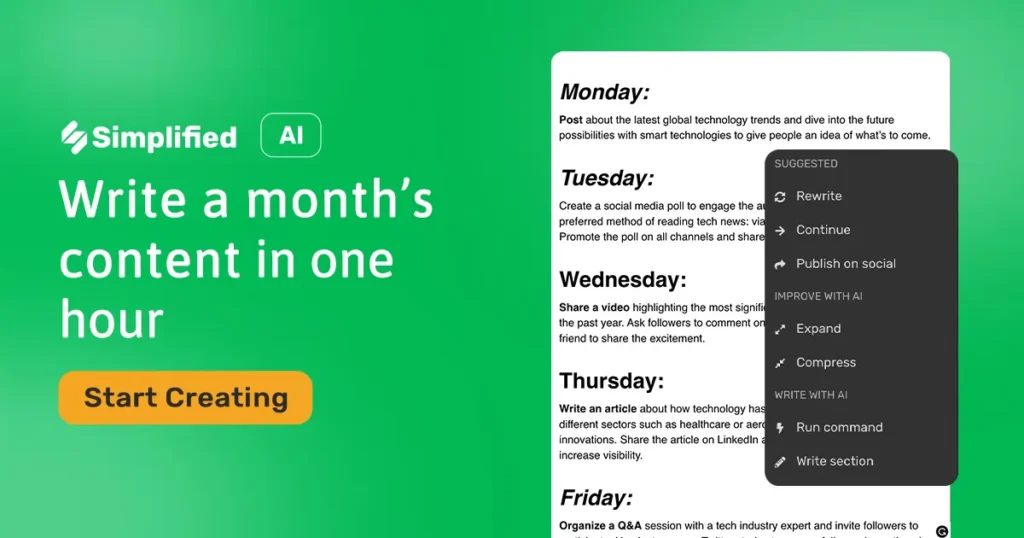
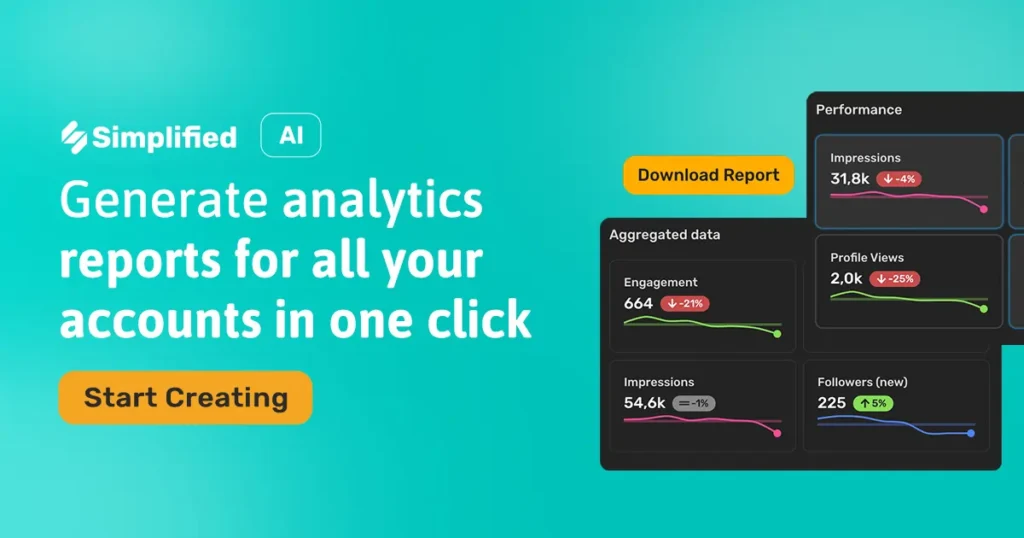
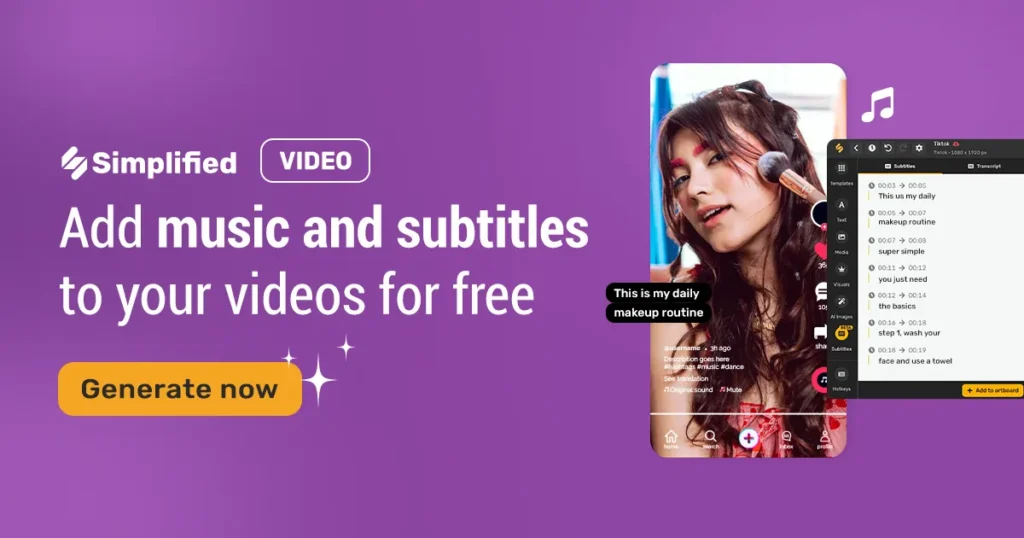
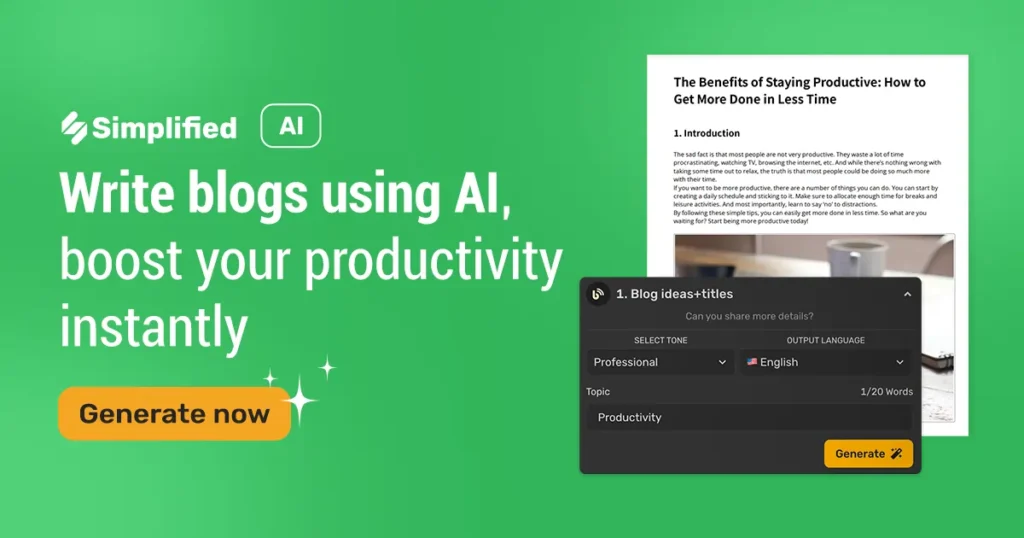
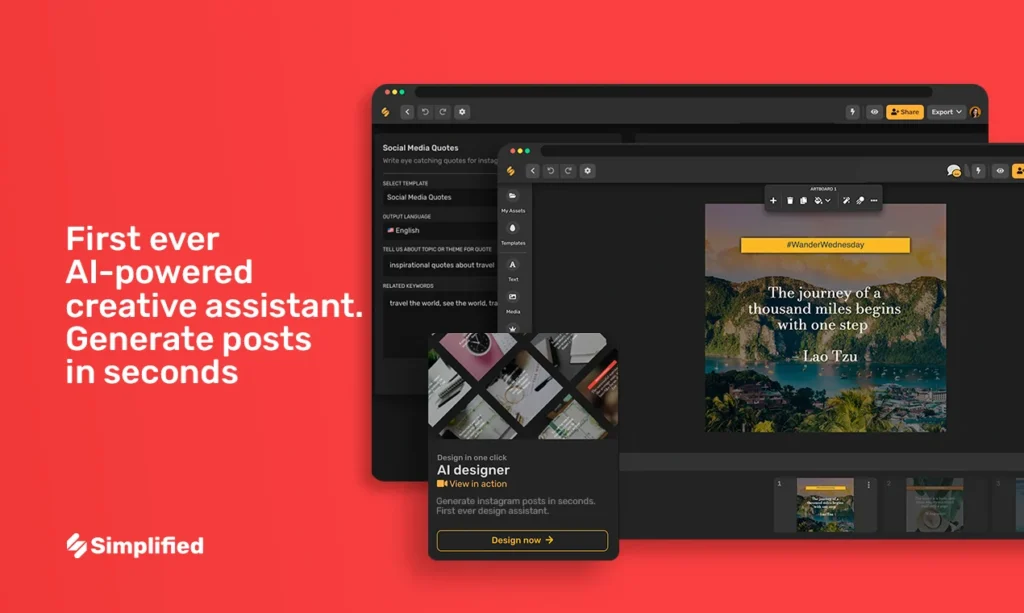
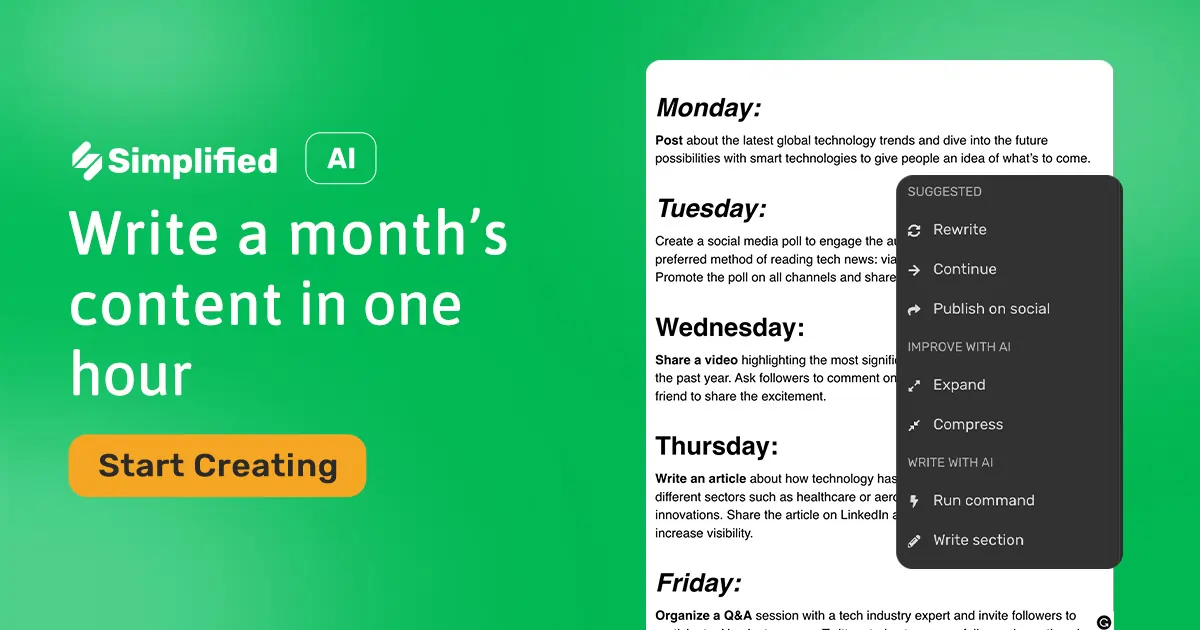
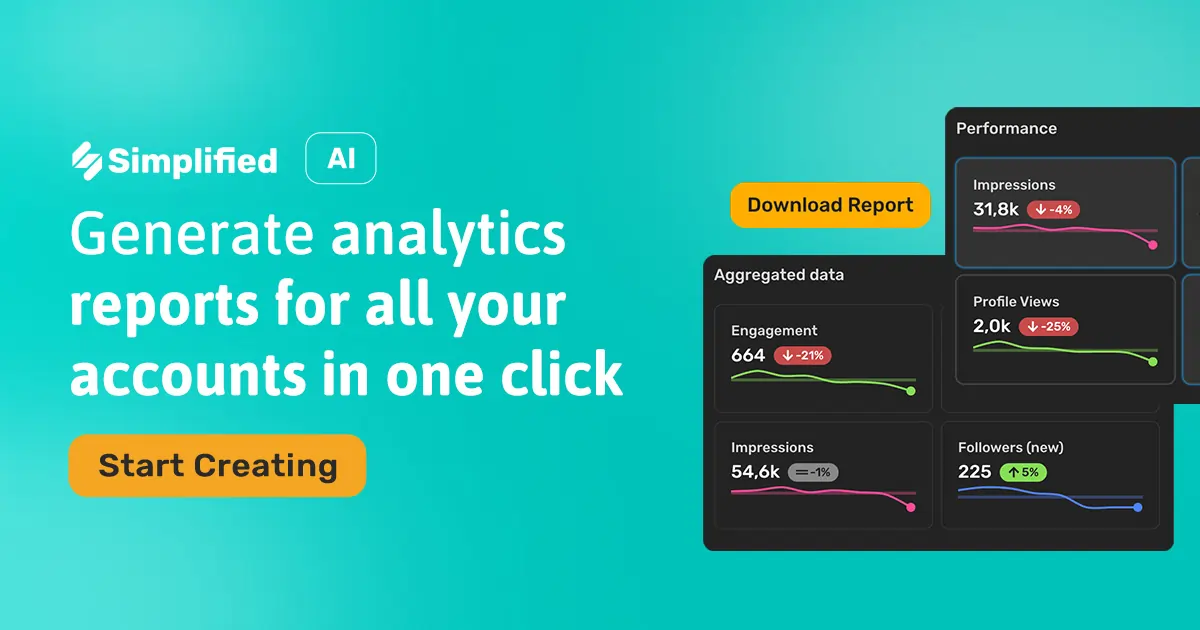
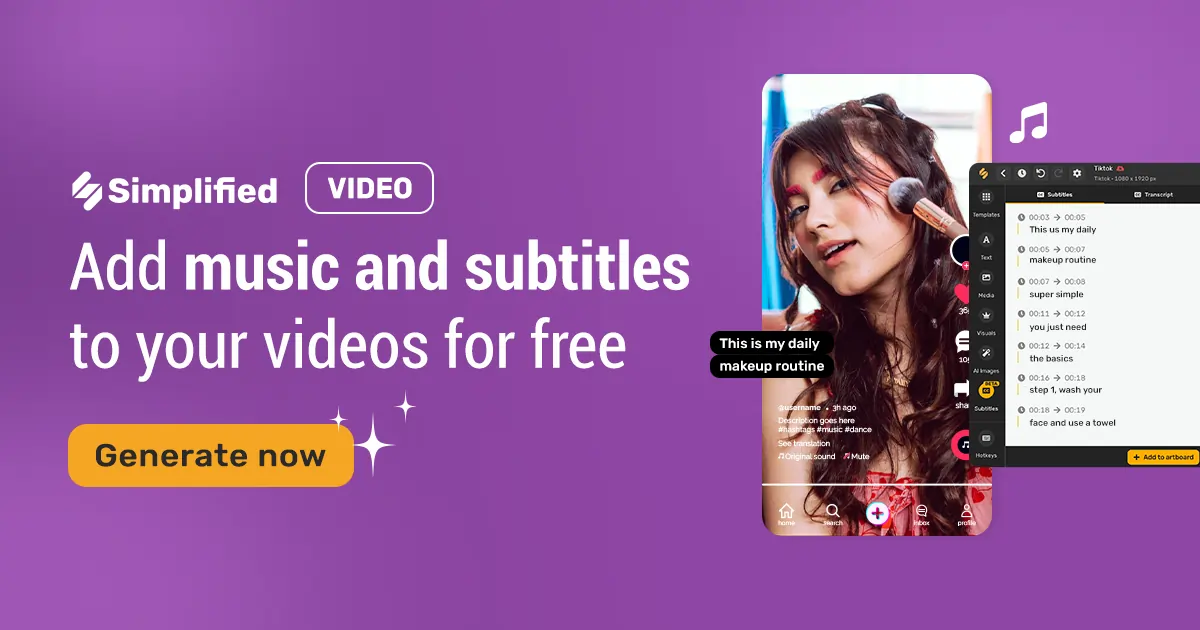
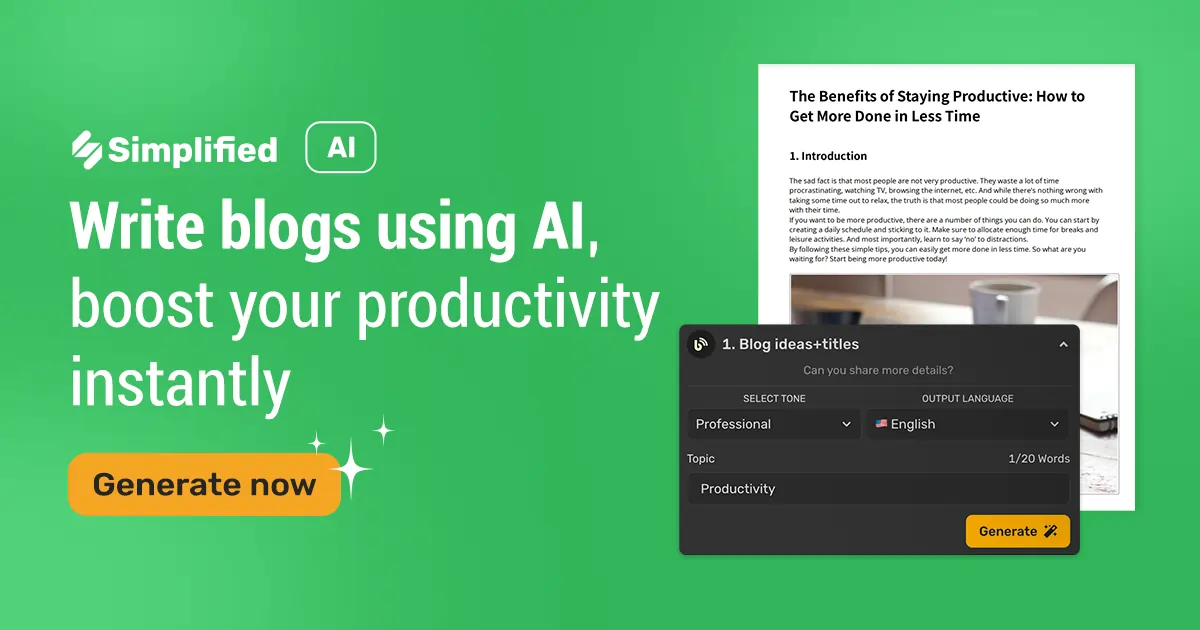
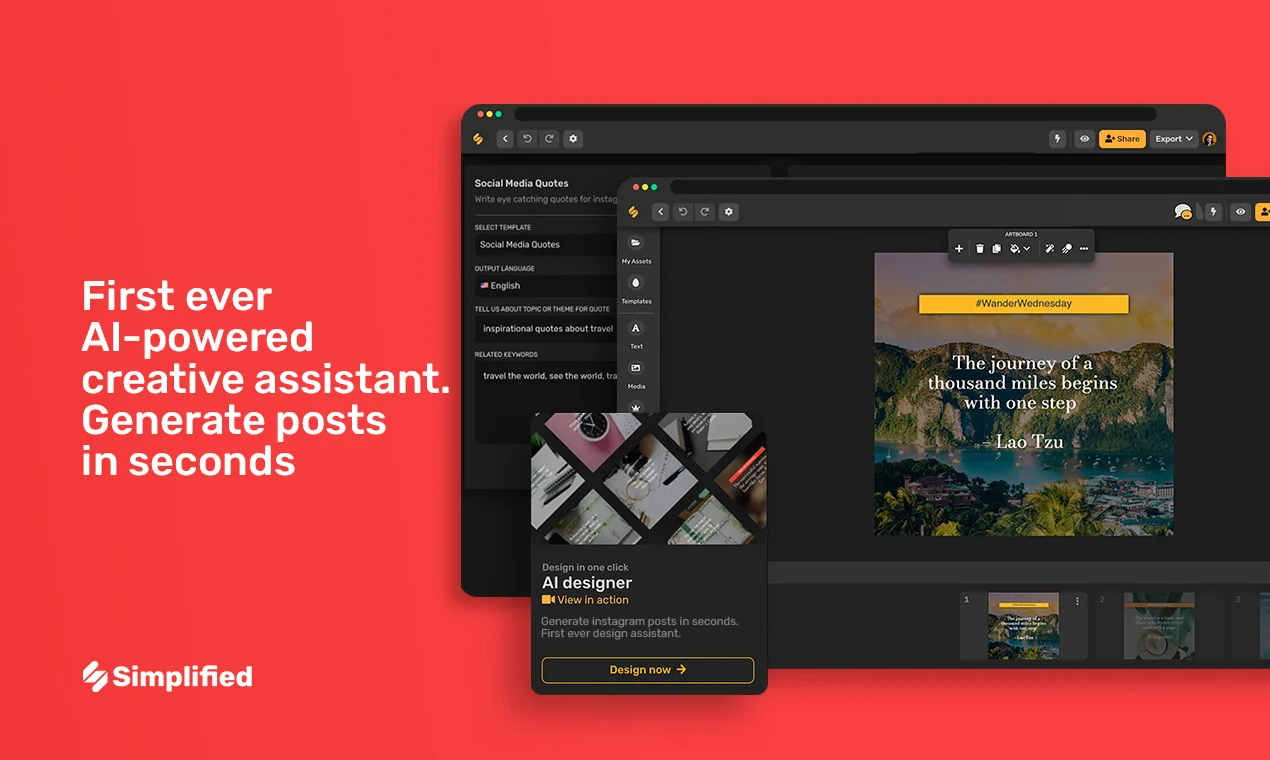
Simplified is an all-in-one marketing and content creation platform that packages design, writing, video, social media scheduling and more — in one web-based tool. On the homepage, Simplified describes itself as “One App to replace them all.”
Under the hood, it’s more than a design tool or a simple social media scheduler. Simplified offers a suite of AI-powered tools and traditional design/writing/video features — aiming to be the creative hub for freelancers, content creators, small teams, marketers, social media managers, and even larger agencies.
In simple words: whether you need a blog post, a social media graphic, a short video, or scheduled posts across platforms — Simplified claims you can do it all without leaving the platform. That simplicity is attractive. But does it hold up in real-world use?
What Does Simplified Offer — Features & Tools
One reason Simplified gets talked about a lot is the sheer range of features it bundles together. Here’s a breakdown of what you get — and what’s behind the hype:
Core Modules
AI Graphic Design and Image Generator / Editor
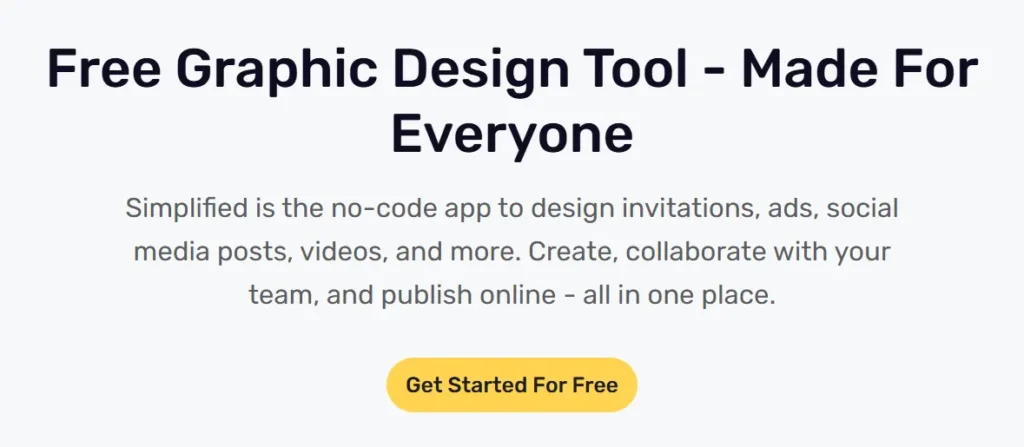
You can create graphics from scratch or use ready-made templates. Simplified offers thousands of templates — for posts, ads, logos, presentations and more.
Moreover, AI-backed abilities like generative fill, background remover/replacer, image enhancer, and “text-to-image” generation make it versatile.
AI Copywriting & Content Writing Tools (AI Writer, Blog Writer, Article Writer, etc.)
Simplified includes an AI Writer — powered by advanced language generation — that helps you generate blog posts, articles, social media captions, ad copies, and more.
This AI writing suite supports multiple languages (20+), offers templates for different content types (blog posts, essays, social posts, etc.), and provides a doc-editor interface (similar to Google Docs) to refine output.
AI Powered Video Editor and Video Tools
For those who create multimedia content, Simplified supports video generation from text, video clip creation, subtitle generation, and more.

There’s a drag-and-drop video editor, built-in templates, animations, video trimming, and more — making short-form content creation manageable even for non-professionals.
Social Media Management and Scheduling
Instead of juggling several apps for posting content across different platforms, Simplified integrates a social-media scheduler, post generator (AI-powered), and content calendar — all native.

Users can generate captions + copy + hashtags with AI inside the scheduler, plan posts for future dates, schedule bulk uploads, and manage multiple social accounts from one dashboard.
Brand Management / Team Collaboration
Simplified lets you set up a “Brand Book” — save brand-specific fonts, colors, logos, tone, and style; once configured, all generated content can follow your branding automatically.
For teams or agencies, there are collaborative features: shared folders, team spaces, roles, comments, client-approval workflows, guest editors, and more. This makes it suitable not only for solo users but also small teams or agencies.
Flexibility & Integration
The platform supports integrations with external assets: e.g. you can connect with cloud storage like Google Drive, or ecommerce platforms like Shopify to fetch media.
There’s also a browser extension (Chrome), allowing quick edits or design tools even outside the main interface.
All-in-One Workflow
This is perhaps the biggest selling point: you don’t need to export content from one tool and import into another — design, writing, scheduling, publishing can all happen within Simplified. This unified workflow can save time, reduce friction, and make content creation smoother.
Given all this, Simplified positions itself as a “creative copilot” — a single workspace for everything from copywriting to video to posting.
Pricing and Plans — What’s Free, What’s Paid
| Plan | Best For | Key Features | Price |
|---|---|---|---|
| Free Plan (Forever) | Beginners, individuals testing AI tools | • 5000 total AI-generated words (one-time) • 5 AI designs •1 AI video • 60 mins AI clip, 30 mins subtitles • Connect up to 3 social accounts • 500 MB storage • Basic templates & essential tools | Free |
| One Plan (Paid) | Freelancers, creators, small teams | • 100,000 AI words/month • 100 AI designs• 50 AI videos • 200 mins clip videos • 90 mins subtitles • Connect up to 7 social accounts• 5 GB storage • Premium templates & advanced features | ~$24/month (billed annually) |
| Enterprise / Team / Agency | Companies, agencies, large teams | • Custom AI quotas (often unlimited) • Unlimited storage (varies) • Multiple team seats • SSO & API access • Workflow automation • Priority support | Custom pricing |
What stands out: there is a free forever tier — so anyone can try it without paying. And if you need more, the “One” plan seems reasonably priced compared to subscribing separately to a design tool, writing assistant, video editor, and social scheduler.
What Users & Reviews Say: Strengths & Common Praise
Based on multiple online reviews (from sites like Trustpilot and independent user reviews), Simplified enjoys mostly positive feedback.
Here are the recurring positives:
In short: For many users — freelancers, small business owners, social media managers — Simplified seems to hit the sweet spot of usability, convenience, and value.
Where Simplified Falls Short — Limitations & Pain Points
No platform is perfect. Some reviews and users highlight certain drawbacks or caveats when using Simplified.
In a nutshell: Simplified works great for many tasks — but if you expect “everything perfect automatically,” that may be unrealistic. For serious content or high-quality design, some manual work or tweaking may remain essential.
Who Should Use Simplified — Best Use Cases & Target Users
Based on features, strengths and limitations, here’s a breakdown of which kinds of users or situations benefit most from Simplified — and which might look elsewhere.
🎯 Ideal For
⚠️ Less Ideal For
My Honest Verdict: Is Simplified Worth It in 2026?
After examining all the features, pricing, real-user feedback and limitations, here is my take on Simplified — and when I think it’s worth using.
I believe Simplified is one of the best all-in-one platform options right now for freelancers, small agencies, content creators, marketers, and small businesses. Especially if you:
The convenience of integrating writing, design, video and social scheduling in one place — combined with a reasonable price point — makes Simplified a strong “jack-of-all-trades” workspace. It helps you move fast, maintain brand consistency, and lower overhead.
That said — if you expect it to fully replace specialized tools for professional-level design or complex video editing, you may be disappointed. It’s a powerful generalist, but not necessarily a replacement for an experienced designer or dedicated video-editing suite. Also — heavy users will likely need a paid plan to get enough quota for writing or design.

So my verdict: Yes — Simplified is worth trying (especially via its free plan) — and for many users, upgrading to paid plan is a solid investment if you produce a lot of content.
Final Thoughts — My Recommendation
If you’re a content creator, marketer, freelancer, small business owner — and you want a cheap, easy-to-use, unified platform to handle most of your content needs (writing, design, social posting, video) — then Simplified is among the best choices right now.
Use the free version first to get a feel for the interface and tools. If you find value, upgrade to the paid plan to benefit from larger quotas, premium templates, and better flexibility. For many users, this can replace several expensive subscriptions — and reduce friction between content creation, design and publishing.
However, if you are working with high-end design demands, complex videos, or enterprise-grade analytics/reporting — treat Simplified as a helpful assistant — not a final solution. In that case, use it alongside specialized tools.
Overall, Simplified nails the sweet spot between convenience, affordability and versatility. For 2026 — and likely beyond — I see it as a go-to “content creation hub” for solo creators, small agencies, and digital marketers.

Founder and blogger at BestAIToolsHub.io, Explores and reviews AI tools that help people work smarter. With a passion for technology and content creation, Shares honest insights, comparisons, and practical guides. Goal is simple: make AI tools easy to understand and useful for everyone.




Leave a Reply