

DeepSeek
Finding a reliable chat and reasoning tool that doesn’t feel heavy or confusing is still a challenge for many users. DeepSeek is built for people who want strong writing, coding, and problem‑solving help without paying premium prices. It fits students, solo creators, developers, and teams who need detailed answers, not just quick replies.
AI Categories:
Pricing:
Follow:
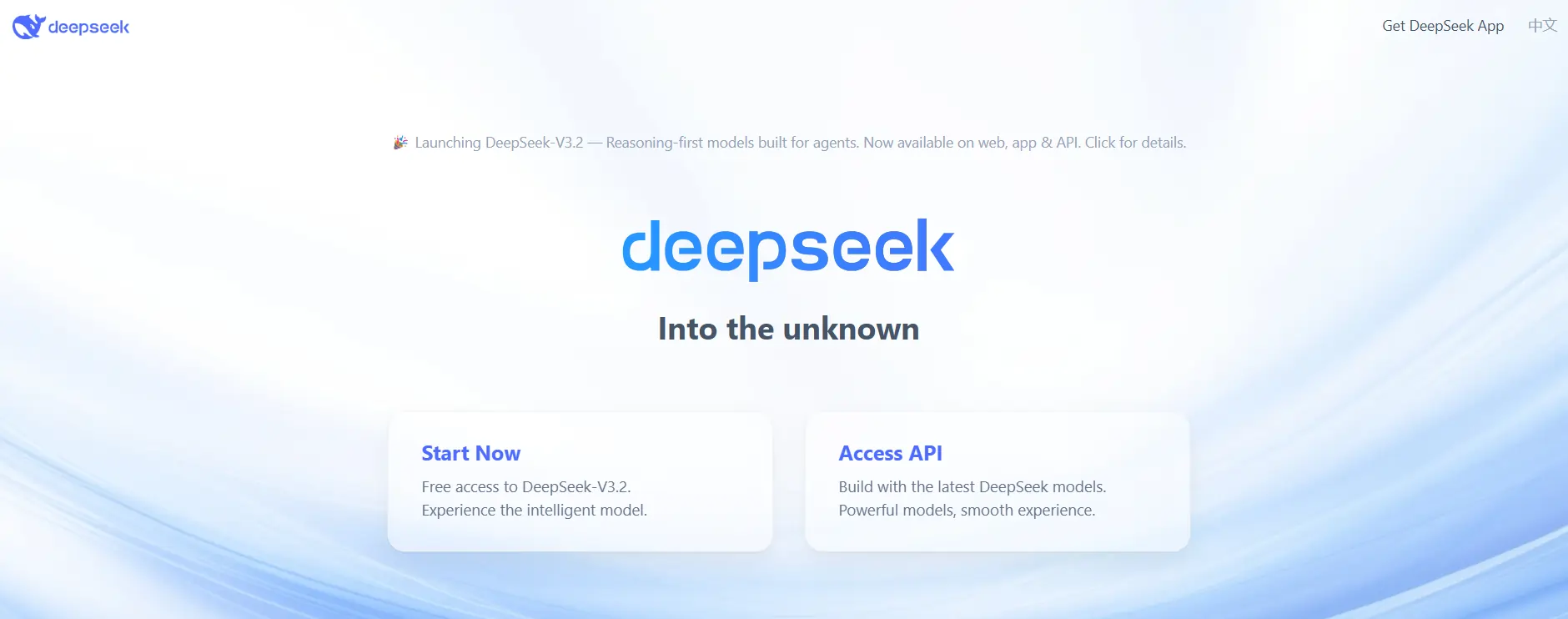
DeepSeek
Details
|
AI Technology |
Text‑based chat system focused on reasoning, coding help, and long‑form content generation. |
|
Subscription type | |
|
Use Cases | |
|
AI Features | |
|
Languages |
English, Chinese and other major languages, with best performance in English and Chinese. |
|
Platform | |
|
Payments |
What Is DeepSeek?
DeepSeek is a chat‑based tool that helps with writing, coding, research, and structured problem‑solving. It focuses on giving slower, more thoughtful answers rather than just fast one‑liners, which makes it useful for tricky tasks like math, logic puzzles, or long documents.
For many users, it works as a daily assistant that can draft text, explain topics, and analyze data without a steep price tag.
How People Actually Use It
In real workflows, people use DeepSeek to turn rough ideas into blog posts, emails, or reports, then lightly edit the drafts instead of writing from scratch. Developers lean on it to debug code, write small functions, and understand unfamiliar libraries, especially when time is tight.
Teams and freelancers also drop in long notes, meeting transcripts, or PDFs and ask DeepSeek to summarize, extract key points, or generate task lists. Business users use it to outline strategies, analyze simple datasets, and draft proposals or sales messages that they can refine later.
Key Features
- Reasoning‑focused chat
DeepSeek’s reasoning models (like DeepSeek‑R1 and V3) handle multi‑step logic, math, and structured analysis better than many basic chat tools, which helps when you need explanations, not just answers. - Coding and debugging help
It can read code, point out likely bugs, suggest fixes, and generate small to medium snippets, which speeds up routine development work. - Long‑context document handling
Support for long context windows lets you paste large articles, research notes, or technical docs and still get coherent summaries or follow‑up answers. - Multilingual support
DeepSeek works in several languages, with especially strong support in English and Chinese, making it usable for global teams and cross‑border projects. - API for products and automations
Developers and businesses can plug the API into apps, dashboards, or workflows, so the same chat logic can run behind support bots, internal tools, or custom automations.
User Experience & Performance
The web interface is clean and familiar if you’ve used any modern chat‑style assistant, so most people can start chatting in a few minutes. Response speed is usually quick, even on bigger prompts, though heavy reasoning tasks can take slightly longer as the model “thinks through” the steps.
Output quality is solid for structured tasks like explanations, code, and analysis, with some users noting that creative writing may need more manual polishing. Some reviews also mention occasional glitches and policy‑related issues, so the experience can feel a bit inconsistent compared with the most polished competitors.
Rating Summary
Pros:
Cons:
Pricing Plans
DeepSeek does not follow a classic “Free / Pro / Business” subscription layout for its core models; instead, it mainly uses usage‑based pricing per 1M tokens.
For most individual users, the free or light usage tier plus small pay‑as‑you‑go spend is often enough, while developers and teams benefit from the low per‑token rates on bigger projects.
Why DeepSeek Stands Out
DeepSeek stands out mainly on two fronts: strong reasoning quality and very low usage cost compared to many popular chat tools. Instead of pushing a long list of flashy extras, it focuses on giving detailed, step‑by‑step answers for coding, math, research, and analysis, which is exactly where many users struggle.
For anyone who runs regular or high‑volume workloads—like content drafting, data analysis, or coding sprints—the pricing can feel far more friendly than flat, high monthly plans from other providers. This makes it appealing if you care more about depth and affordability than having the trendiest interface.
Final Verdict
DeepSeek is a practical choice if you want a reasoning‑heavy assistant for writing, coding, and research without overspending.
It is not perfect—privacy concerns and a less polished feel mean it may not be right for everyone—but for students, developers, and power users who value detailed answers at low cost, it is easy to recommend as a tool worth testing in real work.
Alternatives for
DeepSeek
-
MagicLight.ai is an advanced AI video generation tool that transforms text prompts into engaging animated videos within minutes. Designed for creators, educators, and marketers, it’s especially useful for those searching for a text to animation AI video creator that simplifies production without requiring editing skills.
-
Elicit is an AI-powered research assistant that helps you find, analyze, and summarize academic papers in minutes making literature reviews faster, smarter, and effortless.
-
Creating viral short-form content can be exhausting, but Submagic makes it effortless. This AI video caption generator automatically adds trendy subtitles, B-rolls, and zoom effects to your videos in minutes, helping creators boost video engagement without spending hours on editing.
-
SciSpace is an all-in-one AI research assistant designed to help students and academics understand, write, and publish papers faster. It simplifies complex scientific texts, making it the ideal literature review generator for researchers needing deep insights in minutes.