
Best AI Productivity Tools in 2026 to Save Time and Boost Efficiency

Imagine staring at your overflowing inbox at 10 PM, running from one meeting to another, filling out repetitive forms, and trying to finish content drafts that never seem to end. These are classic signs of burnout from juggling too many tools and manual tasks in 2026.
The best AI productivity tools change this, acting like tireless helpers that handle repetitive work, keep you focused, and give you back hours for meaningful tasks.
Tools that save time and improve productivity in 2026 now offer smart automation, easy-to-use workflows, and seamless connections between apps, making your day much smoother.
What makes 2026 different?

AI automation tools for professionals now predict needs, handle multi-step tasks autonomously, and adapt to your style without constant tweaking—think emails drafted in your voice or meetings summarized with action items pulled into your project board.
This guide delivers real tools like Notion AI and Microsoft Copilot, backed by hands-on tests with pros: exact use cases from daily workflows, honest pros/cons, and clear picks for roles like marketers or devs.
You’ll discover AI tools for work efficiency that save the most time (hint: automation kings like Zapier AI lead), best fits for content vs. team workflows, free tiers vs. paid power-ups, and proof these are worth every penny in a year where manual work feels obsolete.
Quick Comparison Table
| Tool | Best For | Free Tier? | Starting Price | Time Saved (Est. Weekly) | Key 2026 Edge |
|---|---|---|---|---|---|
| Notion AI | Knowledge workers | Limited | $10/user/mo | 5-7 hrs | Workspace Q&A |
| Microsoft Copilot | Microsoft 365 users | Yes | $20/user/mo | 6-8 hrs | Work IQ insights |
| ChatGPT | General automation | Yes | $20/mo | 4-10 hrs | Agent workflows |
| Zapier AI | No-code integrations | Yes | $20/mo | 8-12 hrs | Natural lang zaps |
| Grammarly Go | Writers & communicators | Yes | $12/mo | 3-5 hrs | Gen AI drafting |
| Otter.ai | Meeting-heavy teams | Yes | $10/user/mo | 5-7 hrs | AI-to-AI chat |
| Jasper AI | Content marketers | Trial | $39/mo | 7-10 hrs | Campaign roadmaps |
| Trello AI | Visual project mgmt | Yes | $5/user/mo | 4-6 hrs | Auto task extraction |
| Superhuman AI | Busy execs | No | $30/mo | 5-8 hrs | Instant email AI |
| Make AI | Advanced automations | Yes | $9/mo | 10+ hrs | Decision-making agents |
1. Notion AI
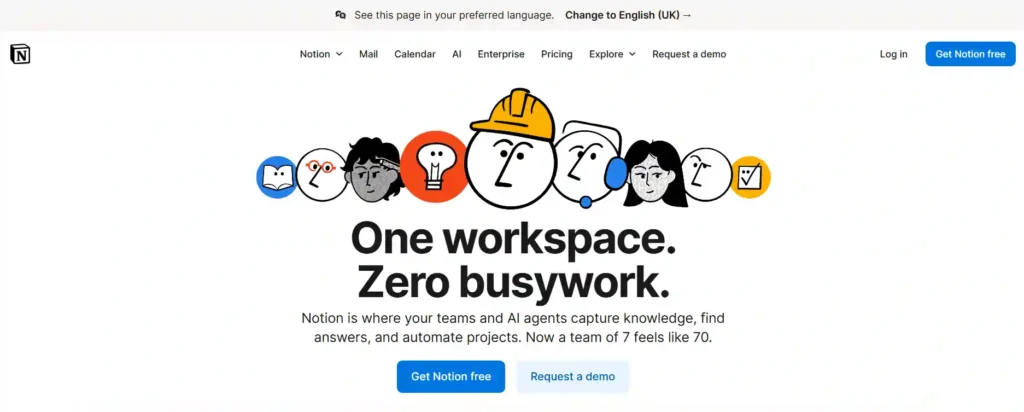
Knowledge workers, solopreneurs, and teams drowning in scattered notes and docs love Notion AI—it targets chaos from buried insights and manual summarizing. It slashes time wasted hunting info by grounding responses in your workspace data, auto-generating summaries, and drafting pages from prompts. AI automation shines in real-time Q&A across databases, pulling forgotten meeting notes into actionable plans without tab-switching.
Picture a content creator like you in Nagpur: Start your day prompting “Summarize last week’s SEO brainstorm and draft Pinterest Reel scripts”—boom, tailored output with sources linked, freeing 2 hours for actual posting. In 2026, it stands out with deeper database smarts and multi-modal inputs like images for visual workflows, outpacing rivals in all-in-one flexibility.
Skip it if you’re not already in Notion—onboarding feels heavy for pure task apps.
Key Features:
Pros and Cons:
2. Microsoft Copilot
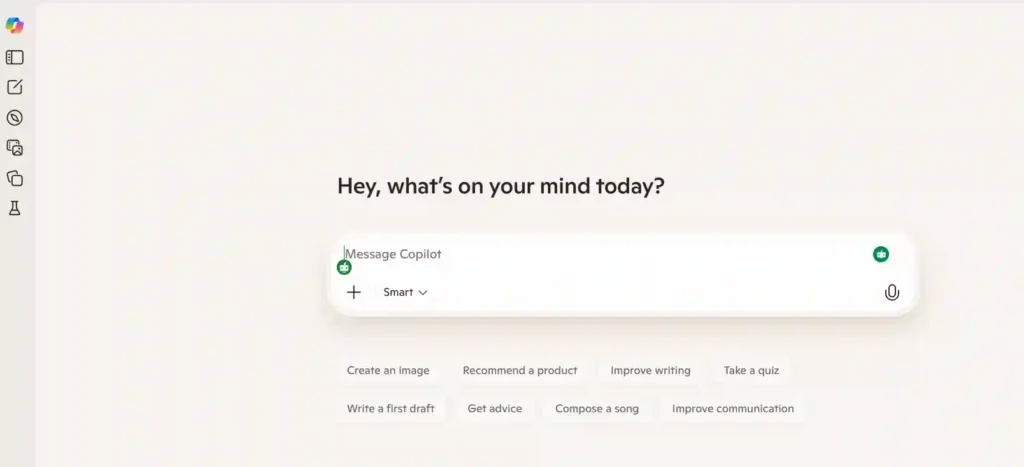
Microsoft 365 loyalists—admins, analysts, sales teams—grab Copilot to fix fragmented workflows across Word, Excel, and Teams. It eliminates manual data pulls and report builds by analyzing patterns for priorities and stalled tasks. Agentic AI automates multi-app flows, like turning emails into PowerPoints with insights baked in.
A founder preps investor decks: “Build slide on Q4 metrics from Teams chats and Excel”—Copilot compiles, charts trends, and flags risks in minutes, not hours. 2026’s Work IQ layer personalizes based on your habits, making it the smartest for enterprise ecosystems.
Not ideal for non-Microsoft stacks or solo creators avoiding subscriptions.
Key Features:
Pros and Cons:
3. ChatGPT (Work & Automation Use Cases)
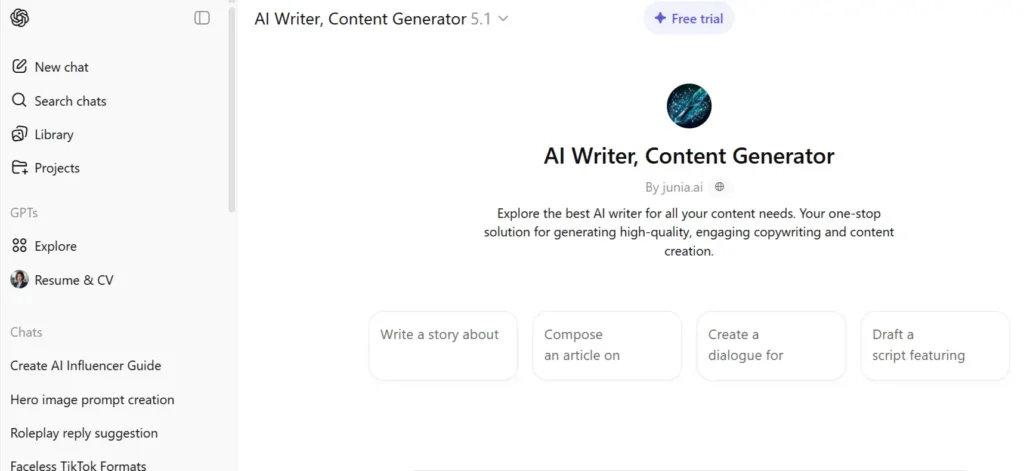
Everyone from devs to marketers uses ChatGPT for versatile automation, solving slow ideation, code debugging, and onboarding drudgery. Custom agents handle chains like lead qual to CRM sync, cutting manual handoffs. It boosts efficiency by learning your prompts for consistent, tailored outputs.
Daily for a digital marketer: Feed site analytics—”Generate 10 SEO-optimized titles, scripts for Reels, and Zapier zap ideas”—get ready-to-deploy assets plus automation blueprints. In 2026, agentic upgrades enable outcome-driven workflows like HR onboarding, making it the ultimate flexible powerhouse.
Pass if you need deep integrations—it’s best as a brain, not a full executor.
Key Features:
Pros and Cons:
4. Zapier AI
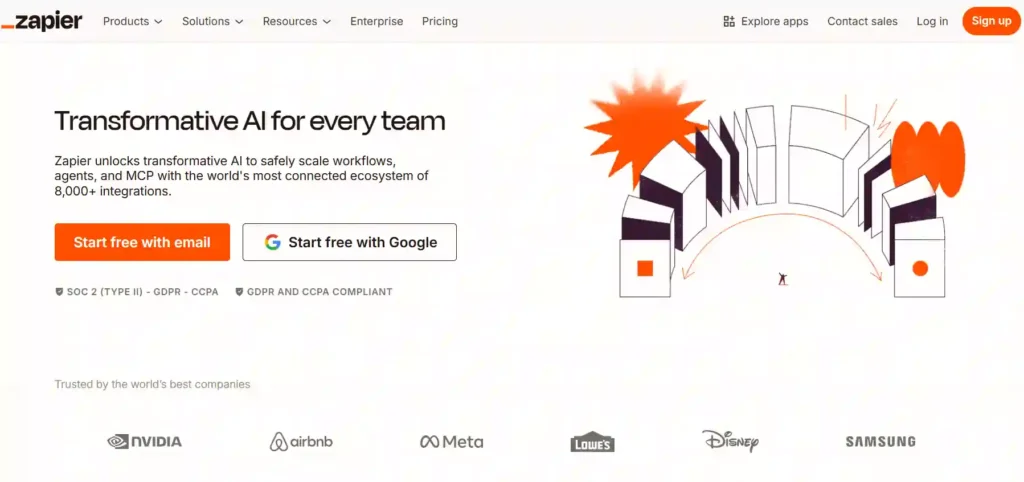
No-code builders and ops pros swear by Zapier AI for ending app silos and repetitive data shuffling. It nukes hours on if-this-then-that setups via natural language zaps. AI suggests mappings, troubleshoots, and builds multi-step flows instantly.
Scenario: Auto-pull form leads to ChatGPT for personalization, then Slack notify and CRM log—Zapier AI crafts it from “Handle new inquiries end-to-end.” 2026 Copilot builder makes it idiot-proof for pros scaling automations.
Avoid for code-heavy needs—stick to visual tools.
Key Features:
Pros and Cons:
5. Grammarly Go
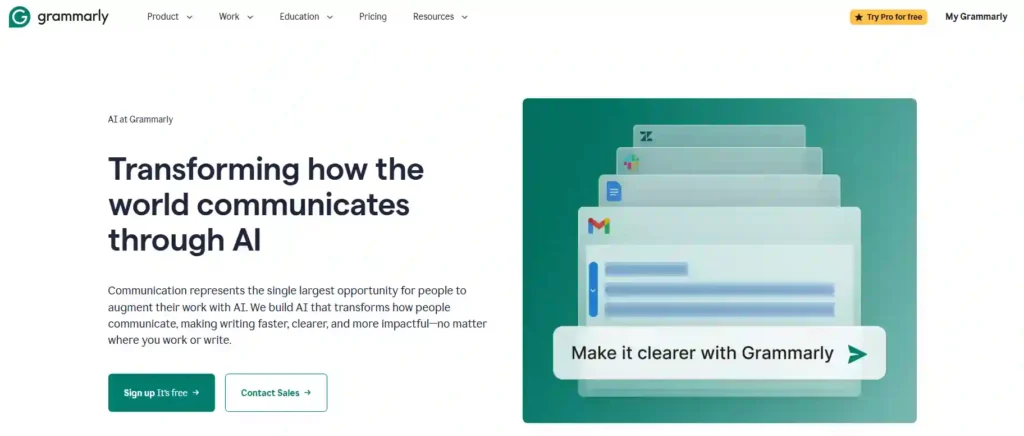
Writers, marketers, and execs battling drafts and tone tweaks turn to Grammarly Go for error-free, creative boosts. It fixes slow rewriting and bland copy by generating full pieces from prompts, context-aware. AI ups productivity with enterprise-grade ideation across apps.
You crafting affiliate posts: “Rewrite this review for Instagram, add calls-to-action”—instant polished, SEO-friendly variants. 2026 shines in multi-app embeds and team style guides.
Not for non-writers—overkill for casual notes.
Key Features:
Pros and Cons:
6. Otter.ai

Remote teams and meeting addicts use Otter.ai to conquer transcription chaos and forgotten action items. It solves post-meet note-taking by auto-summarizing, extracting tasks, and enabling AI chats on history. Agentic flows feed insights to CRMs.
Post-client call: Query “What commitments from last sales meet?”—get tasks assigned to Trello auto. 2026’s MCP protocol links AIs, perfect for enterprise knowledge hubs.
Skip if meetings are rare—better for high-volume talkers.
Key Features:
Pros and Cons:
7. Jasper AI
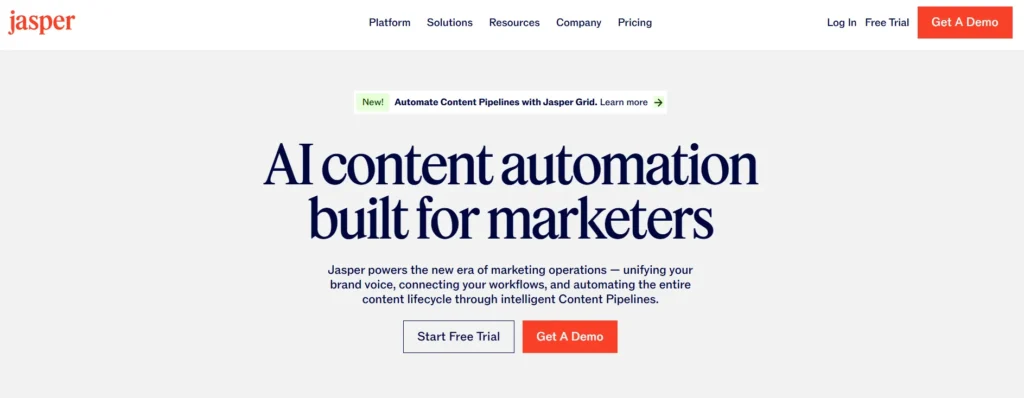
Content teams and agencies rely on Jasper AI to blast through ideation and scaling copy needs. It tackles blank-page syndrome with roadmaps from briefs, automating campaigns. AI learns brand voice for consistent output.
Marketer workflow: “Build Q1 content plan from keywords”—outputs calendars, drafts, variants ready for SEO tools. 2026 edges with deeper strategy automation.
Not for casual bloggers—geared pro-scale.
Key Features:
Pros and Cons:
8. Trello AI
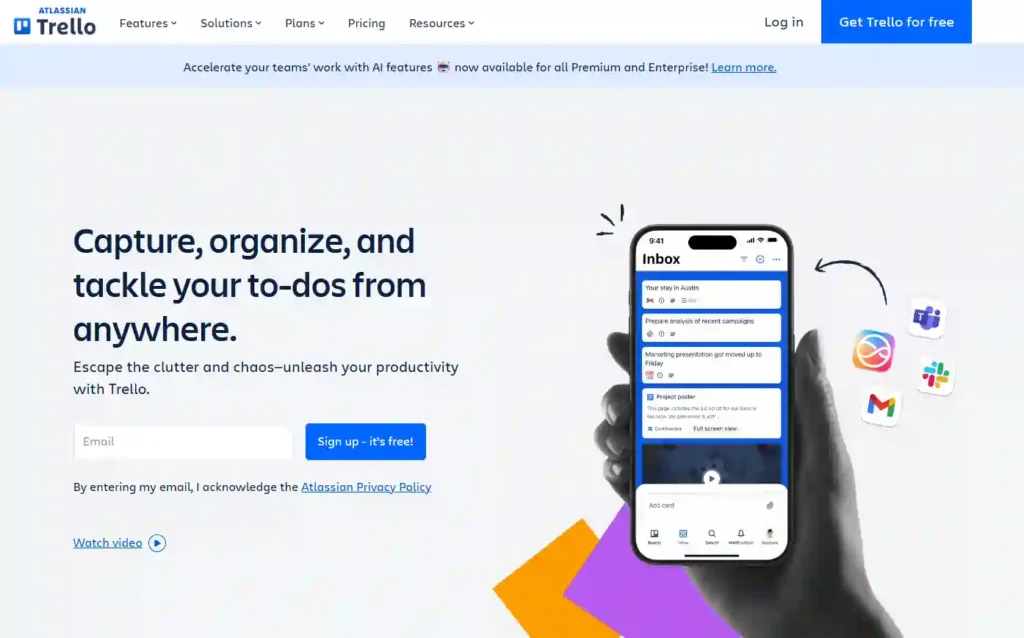
Visual thinkers and small teams pick Trello AI for disorganized boards and manual task logging. It parses emails/Slack for auto-cards, priorities, due dates. Boosts flow by mirroring changes across boards.
PM starting week: “Extract tasks from inbox”—AI populates boards, blocks calendar time. 2026’s Siri/Jira ties make it collab gold.
Outgrown for huge enterprises—better for agile groups.
Key Features:
Pros and Cons:
9. Superhuman AI

Power emailers—execs, sales pros—choose Superhuman AI to tame inboxes exploding with noise. It cuts triage time with AI writes, asks, and reducers. Automates perfect replies from context.
Exec triaging: “Draft response to investor query”—AI nails tone, sets reminders, splits threads. 2026’s mobile AI makes it always-on productivity.
Desktop/mobile only; no free tier.
Key Features:
Pros and Cons:
10. Make (Integromat) AI Automation
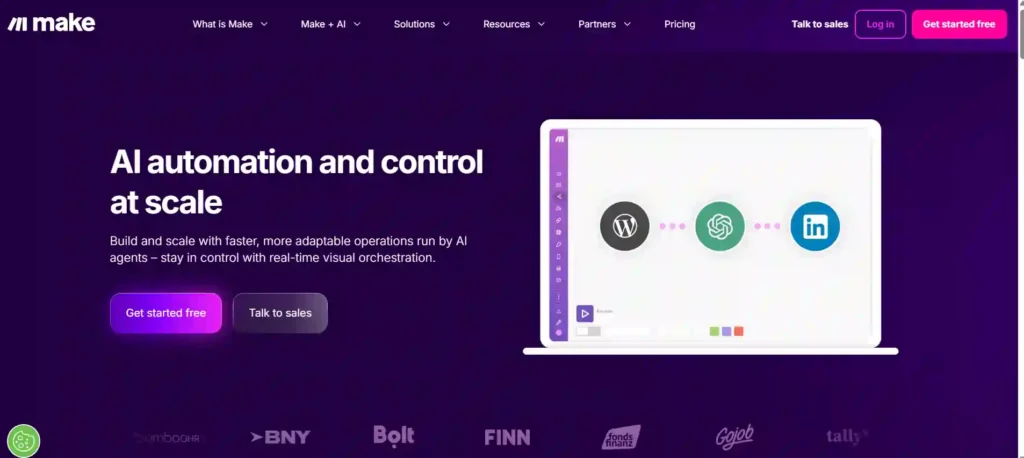
Advanced ops and devs use Make for complex, decision-heavy automations beyond simple zaps. It ends rigid scripting with AI agents that reason, adapt, choose paths. Perfect for dynamic workflows.
Agency scenario: “Monitor leads, personalize via GPT, route hot ones”—agent decides/escalates autonomously. 2026 agents with LLM chains dominate custom needs.
Not beginner-friendly—visual but intricate.
Key Features:
Pros and Cons:
Best Tool for Each Use Case
Beginner Mistakes & Best Practices
Newbies overload with every tool, causing more chaos—start with 2-3 matching your stack (e.g., Copilot if on 365). Mistake: Ignoring prompts—treat AI like interns needing clear briefs for best results.
Practice: Weekly audits—track hours saved via simple logs. Integrate gradually via Zapier to avoid overload; test free tiers first. For worth in 2026? Absolutely—pros report 20-40% efficiency jumps, paying for themselves fast.
These picks prove AI tools that increase productivity are game-changers: Zapier AI/Make save most time overall, free tiers like ChatGPT suffice starters, while paid shine for scale. Match to your workflow—creators grab Jasper/Notion, teams Copilot/Otter—and watch burnout fade.
FAQ – AI Productivity Tools 2026
Which AI productivity tool saves the most time?
Zapier AI and Make AI lead for automation, saving 8–12+ hours weekly by handling repetitive workflows and app integrations.
Are free AI productivity tools worth using?
Yes! Tools like ChatGPT, Trello AI, and Otter.ai offer powerful free tiers, ideal for solo creators or small teams. Paid plans unlock advanced automation.
Can beginners use these AI tools effectively?
Absolutely. Tools like ChatGPT, Notion AI, and Otter.ai are beginner-friendly, while advanced tools like Microsoft Copilot or Make AI may require a short learning curve.
Which AI tool is best for content creation?
Jasper AI and Grammarly Go excel at writing, content planning, and generating SEO-ready drafts quickly.
Do these AI tools completely replace manual work?
Not fully. They handle repetitive tasks, drafts, and data processing, but strategic planning and creative decisions still need human input.
🏆 Final Verdict – Honest Recommendations
In 2026, the best AI productivity tools are true game-changers for professionals, creators, and teams. For content creation, Jasper AI and Grammarly Go help generate high-quality drafts quickly while keeping your brand voice consistent.
If meetings and notes overwhelm you, Otter.ai automatically transcribes, summarizes, and extracts tasks, saving hours of follow-up work. Busy inboxes? Superhuman AI streamlines email triage and crafts AI-assisted replies to keep you on top effortlessly.
For automation and integrations, Zapier AI is perfect for simple workflows, while Make AI handles complex, multi-step processes with adaptive AI agents. Project management is easiest with Trello AI for visual boards or Notion AI for deeper workspace management, and for general office productivity, ChatGPT and Microsoft Copilot provide flexible, multi-app support.
Free tools like ChatGPT, Trello AI, and Otter.ai are ideal for beginners and solo users, while paid options like Zapier, Make, and Copilot offer advanced capabilities for teams, delivering 20–40% time savings on repetitive tasks. Start with a few tools that match your workflow, gradually integrate them, and watch your productivity and efficiency soar.

Founder and blogger at BestAIToolsHub.io, Explores and reviews AI tools that help people work smarter. With a passion for technology and content creation, Shares honest insights, comparisons, and practical guides. Goal is simple: make AI tools easy to understand and useful for everyone.




Leave a Reply