
Best AI Video Editing Tools for Beginners | Easy, Automated & Beginner-Friendly
Remember that first time you tried editing a video? Hours staring at a tangled timeline in clunky software, fumbling with cuts, audio syncs, and effects that just wouldn’t cooperate—no prior skills, endless tutorials, and still a mediocre result that took forever.
Sound familiar? That’s the nightmare for most beginners diving into content creation for YouTube, Shorts, or Reels. But AI video editing tools for beginners change everything. These beginner-friendly AI video editors use smart automation to handle the heavy lifting: auto-trimming silences, generating captions, suggesting cuts, even turning text into full clips.
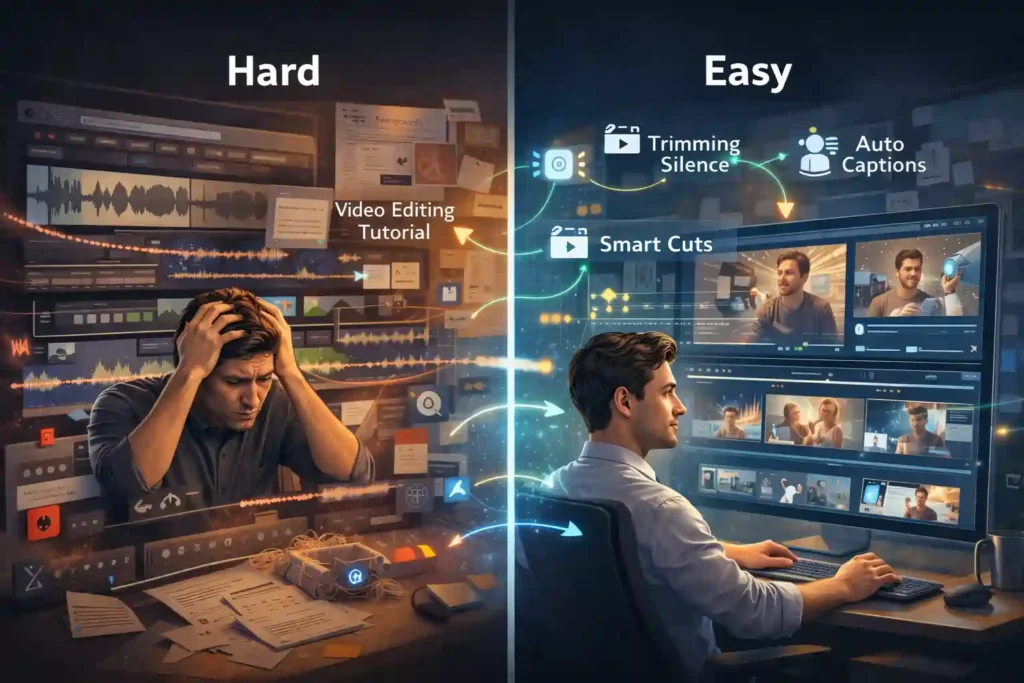
No more steep learning curves or pro-level experience needed—just upload, tweak, and export polished videos in minutes.
For anyone searching for the best AI video editing tools for beginners, these platforms remove the technical barrier completely.
In this guide to the best AI video editing software, you’ll discover top picks like easy AI video editors for YouTube and social media video editing AI that demand zero editing know-how.
Whether you’re crafting no-skill video editing software outputs for viral Shorts or business explainers, these tools save massive time while delivering pro results. Stick around for a comparison table, honest reviews from real tests, beginner pitfalls to dodge, and tailored picks to kickstart your channel.
Quick Comparison Table
Below is a quick comparison of the best AI video editing tools for beginners based on ease of use, automation, and time saved.
| Tool | Free Tier | Paid Starts (USD/mo) | Best Use Case | Time-Saver Score (1-10) |
|---|---|---|---|---|
| CapCut | Robust | $7.99 | Shorts/Reels | 9 |
| Descript | Limited | $12 | YouTube talks | 10 |
| Runway ML | Yes | $12–$15 | Creative effects | 8 |
| InVideo | Yes | $20–$28 | Marketing videos | 9 |
| Pictory AI | Trial | $19 | Blog-to-video | 9 |
| Veed.io | Yes | $10–$12 | Social clips | 9 |
| Wisecut | Trial | $10 | Podcast clips | 10 |
| Synthesia | Yes | $18 | Avatar business | 8 |
| Filmora | Yes | $4–$7 (yearly equiv) | All-purpose desktop | 8 |
| Clipchamp | Yes | $9 | Browser beginners | 9 |
Free options like CapCut and Clipchamp shine for starters, while paid tiers unlock unlimited exports—perfect for weighing AI video editor for beginners needs.
1. CapCut
New creators often get stuck hunting for trendy templates and syncing beats manually, leading to frustrating trial-and-error sessions that kill momentum.
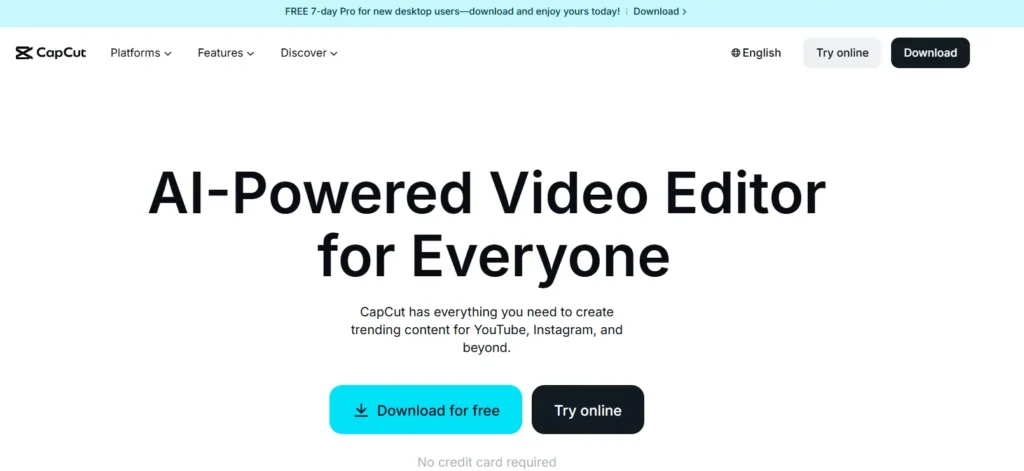
CapCut flips this with AI that scans your raw clips to instantly suggest viral edits, auto-generate multilingual captions, match music to beats, and even create full videos from simple product briefs or text prompts—no design background needed.
In hands-on tests for Reels and Shorts, it turned 10-minute phone footage into polished 15-second hooks in under 5 minutes, handling background removal and upscaling seamlessly on mobile or desktop. This makes it the go-to beginner-friendly video editing tool for social media creators who prioritize speed without sacrificing trends.
Key Features:
Pros and Cons:
2. Descript
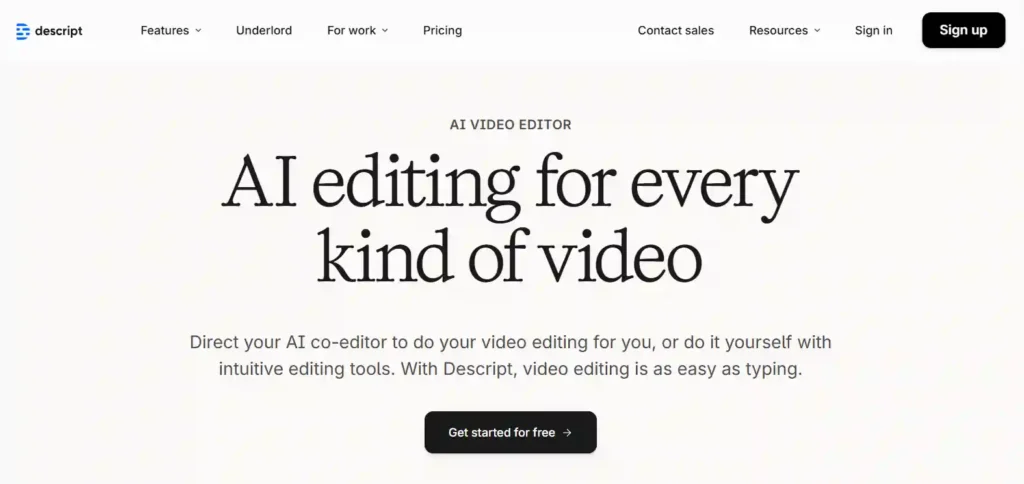
Podcasters and YouTubers dread re-recording flubs, filler words, or mismatched audio-visual syncs, often spending double the recording time on fixes. Descript revolutionizes this as a text-based powerhouse where AI transcribes your entire video into editable script—delete “ums,” swap phrases, and the footage auto-adjusts with cloned voice overdubs that sound eerily natural.
From testing hours of interview footage, it cut my usual 2-hour edit to 20 minutes by spotting pauses, regenerating sections, and enabling team corrections like a shared Doc. Ideal for no-skill video editing software users focused on spoken content like tutorials or vlogs.
Key Features:
Pros and Cons:
3. Runway ML
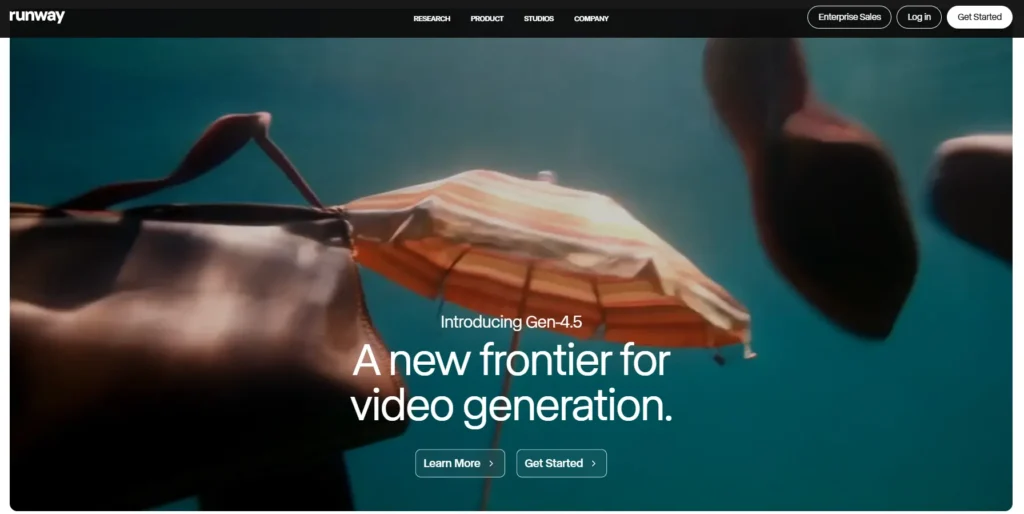
Aspiring effects artists balk at pricey software like After Effects, but Runway ML democratizes AI magic by generating new video from text/images or editing existing clips with motion brushes and inpainting.
Beginners prompt “add rainy street background to walking scene,” and it interpolates smooth frames up to 4K—tested on short films, it nailed style transfers where traditional tools failed. Combine with project timelines for end-to-end workflows, making complex VFX accessible for YouTube creators experimenting with intros or transitions.
Key Features:
Pros and Cons:
4. InVideo
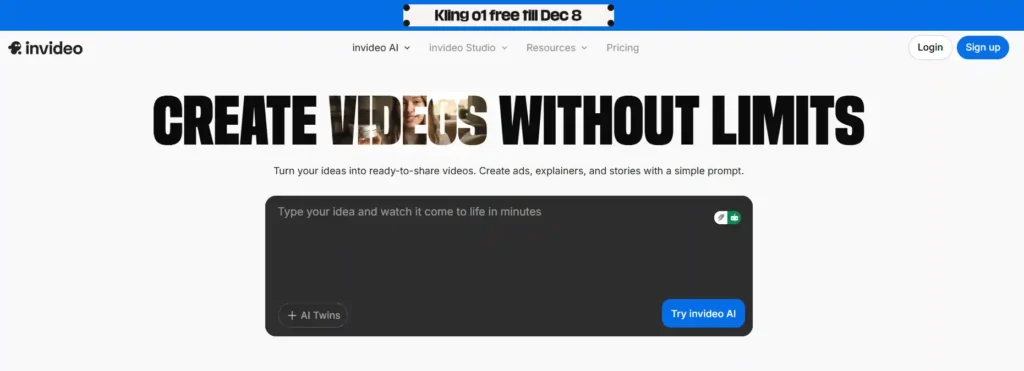
Marketers without footage scramble to build promos from scratch; InVideo’s AI ingests scripts or prompts to auto-assemble full videos with stock scenes, dynamic text, voice cloning, and scene transitions. In practice, inputting a 500-word sales script yielded a 2-minute ad with matched b-roll in 10 minutes—far beyond basic templates. Suited for business videos or quick YouTube ads where text drives the narrative.
Key Features:
Pros and Cons:
6. Pictory AI
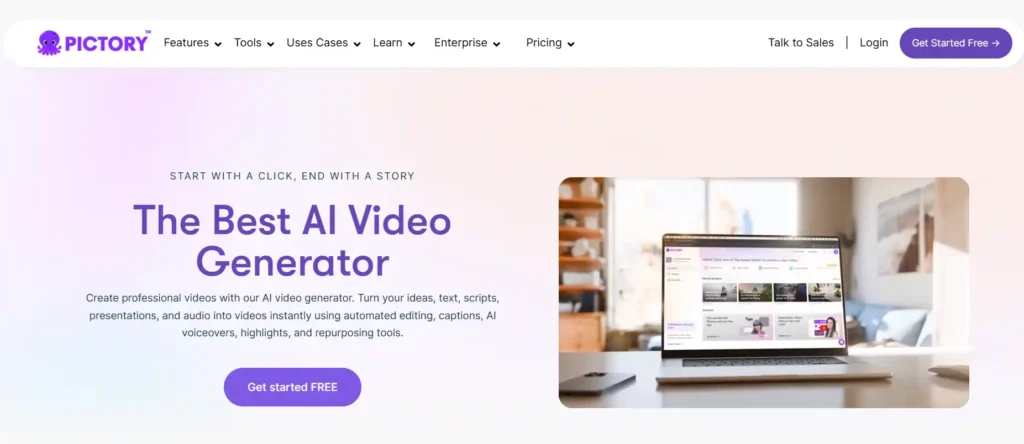
Content repurposers lose hours scripting videos from blogs; Pictory AI scans articles, extracts key highlights, pairs with AI visuals/stock, and narrates in natural voices. Testing a 2000-word post produced three Shorts plus a long-form in 15 minutes, auto-optimizing pacing. Best automated video editing AI for bloggers-to-video creators.
Key Features:
Pros and Cons:
6. Veed.io
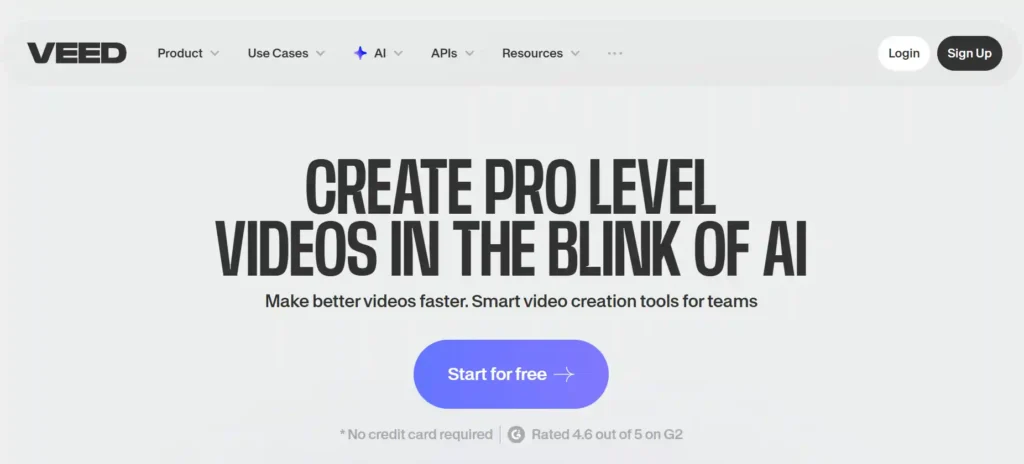
Social editors fight subtitle timing and audio glitches across platforms; Veed.io’s browser AI auto-generates editable subs, fixes eye contact, crops/loops scenes, and resizes for TikTok/IG. From collaborative tests, it streamlined team reviews on 5-minute clips to under 3. Great for quick, multi-format social media video editing AI.
Key Features:
Pros and Cons:
7. Wisecut
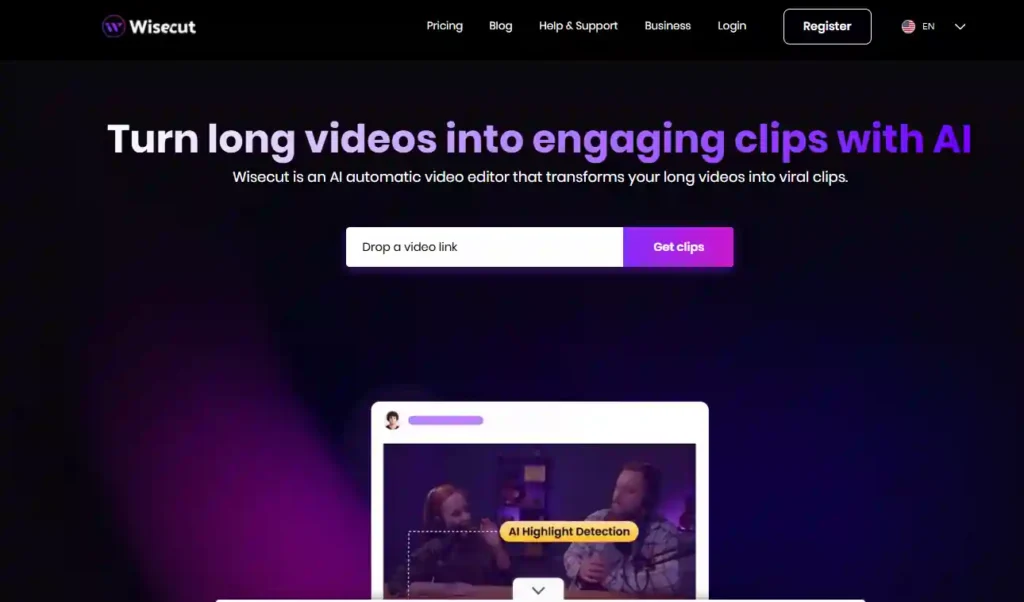
Vloggers drown in unedited ramble; Wisecut AI analyzes audio for natural pauses, auto-trims silences over 0.5s, adds fades/music, and exports clip packs. It transformed a 30-minute raw talk into 10 ready Shorts flawlessly in tests. Ultimate for podcast-to-social pipelines.
Key Features:
Pros and Cons:
8. Synthesia
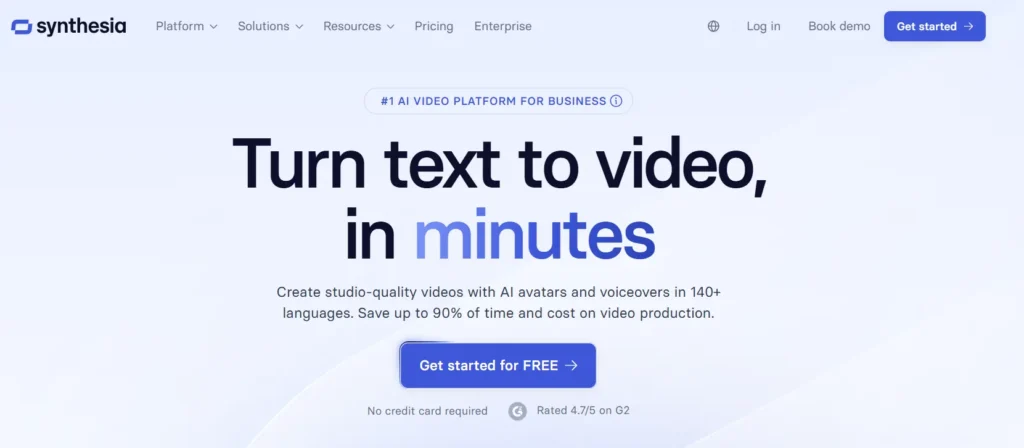
Non-performers skip avatar videos due to scripting hassles; Synthesia scripts text into lifelike avatars with gestures, 140+ languages, and brand kits. Created a 5-min training vid from copy-paste in 8 minutes—custom faces via photo upload elevated it. For business without cameras.
Key Features:
Pros and Cons:
9. Filmora
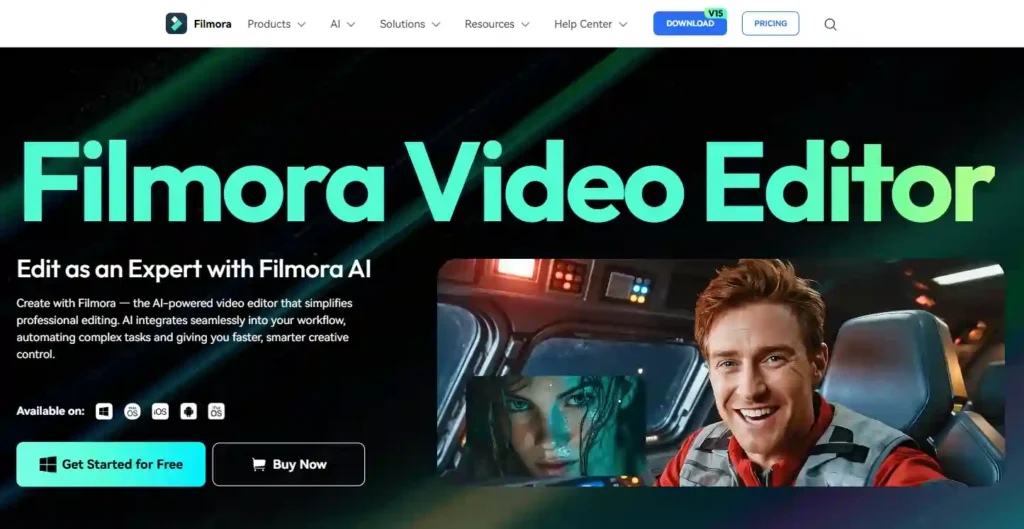
Desktop novices overwhelm with layers; Filmora AI auto-detects beats for cuts, removes objects, copies effects across clips, and grades colors. Built a 3-min vlog with planars and transitions in 15 minutes during trials. Grows from beginner to intermediate seamlessly.
Key Features:
Pros and Cons:
10. Clipchamp
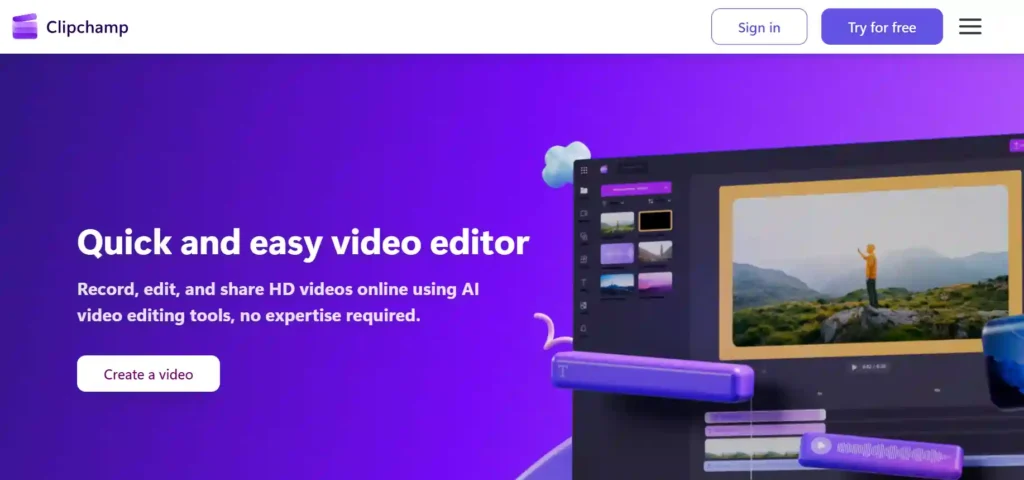
Browser users hate installs; Clipchamp AI auto-composes shorts from media, silences noise/pauses, generates voiceovers in 400 voices. Turned photos/clips into promo reels via style pick in seconds—Windows integration shines. Everyday easy AI video editor for YouTube & social media.
Key Features:
Pros and Cons:
Beginner Tips & Mistakes
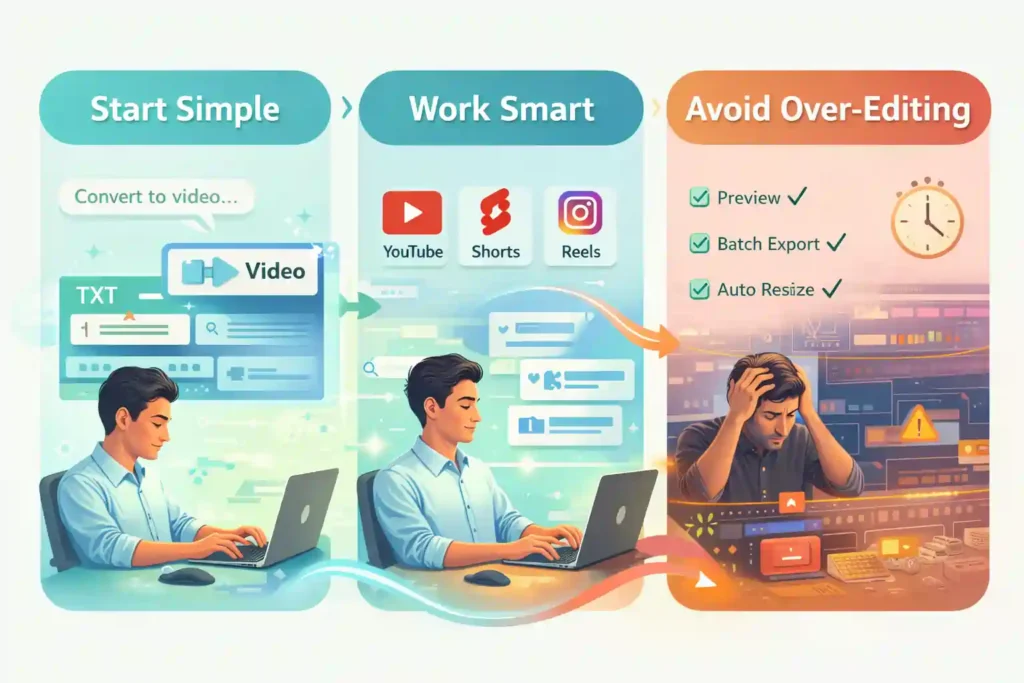
Embrace text/prompt-based tools first (Descript, InVideo) to skip timelines entirely—common mistake is jumping to visual-heavy like Filmora too soon.
Always preview exports for platform specs; batch process to maximize AI efficiency. For Shorts, CapCut’s templates outperform; avoid over-editing raw AI outputs to keep natural flow.
Best AI Video Editing Tool for YouTube Beginners
For new YouTube creators, Descript stands out because it removes the complexity of timelines and edits videos like a text document. Beginners can cut mistakes, remove filler words, and fix audio just by editing the transcript.
Filmora is another strong option for YouTube beginners who want more visual control with AI-assisted cuts, effects, and color correction without overwhelming tools.
Best AI Video Editor for Shorts & Reels
When it comes to Shorts, Reels, and viral clips, CapCut is the top choice for beginners. Its AI-powered templates, auto-captions, beat syncing, and vertical-first design make it easy to create engaging short-form videos in minutes.
Wisecut also works well for turning long videos or podcasts into multiple Shorts automatically by removing silences and generating clips.
Best No-Skill AI Video Editing Software
If you want to edit videos with zero prior experience, InVideo and Clipchamp are ideal no-skill AI video editing tools. InVideo can generate full videos directly from text or scripts, while Clipchamp offers simple AI auto-compose, captions, and voiceovers directly in the browser.
Both tools let beginners create professional-looking videos without learning editing techniques.
FAQ’s Related to AI Video Editing
Which AI video editing tool is best for beginners?
CapCut is widely considered the best AI video editing tool for beginners because it offers powerful automation like auto-captions, templates, and beat sync with almost no learning curve. For talking-head or voice-based content, Descript and Wisecut are also excellent beginner-friendly options.
Are AI video editors free to use?
Yes, many AI video editing tools offer free plans. CapCut and Clipchamp provide strong free features for beginners, while tools like Runway, Veed.io, and Filmora include limited free tiers or trials. Paid plans usually unlock watermark-free exports and advanced AI features.
Can beginners edit YouTube videos using AI?
Absolutely. AI video editing tools are ideal for YouTube beginners as they automate cuts, captions, audio cleanup, and even scene creation. Tools like Descript, Filmora, and Clipchamp help beginners create professional-looking YouTube videos without prior editing experience.
Do AI video editing tools require experience?
No, most AI video editing tools are designed specifically for users with no editing background. Features like text-based editing, auto-trimming, templates, and one-click exports remove technical complexity, allowing beginners to create polished videos with minimal effort.
Final Recommendations
CapCut claims best AI video editing tools for beginners throne for free social speed; Descript/Wisecut for time-saving talk edits. Free dominates entry (CapCut, Clipchamp), paid for scale (Synthesia business).
Pick by workflow: mobile social? CapCut. Test two matching your intent.

Founder and blogger at BestAIToolsHub.io, Explores and reviews AI tools that help people work smarter. With a passion for technology and content creation, Shares honest insights, comparisons, and practical guides. Goal is simple: make AI tools easy to understand and useful for everyone.



Leave a Reply