
Best AI Video Generator Apps (2026) – Top 8 Tools Ranked With Features and Pricing

Picture this: It’s 2026, and you’re a busy YouTuber staring at a blank screen, deadline looming, when a simple text prompt like “energetic startup pitch in a futuristic office” spits out a polished, realistic video complete with lip-sync narration and dynamic cuts—all in under five minutes.
The best AI video generator apps aren’t just trending; they’re rewriting the rules of content creation, fueling YouTube AI video maker automation for faceless channels that crank out daily uploads without breaking a sweat.
AI video making tools and text-to-video AI have democratized Hollywood-level effects, letting marketers craft hyper-personalized marketing video AI tools that convert 3x better, while businesses streamline training videos via video automation tools.
From trending AI video apps delivering realistic AI videos to AI video creation software slashing budgets by 70%, these platforms are the secret weapon turning solo creators into viral sensations and agencies into efficiency machines. If you’ve ever dreamed of ditching clunky editors for intuitive magic, 2026 is your year—let’s jump into the top 8 that actually deliver.
Quick Comparison Table
| Tool Name | Best For | Standout Features | Pricing (Starting) | Overall Editor Rating |
|---|---|---|---|---|
| Runway | Cinematic pros | Gen-4 realism, motion control | $12/mo | 9.7/10 |
| OpenAI Sora | Storytelling creators | Physics-accurate text-to-video | Free/$20/mo | 9.5/10 |
| Synthesia | Business avatars | 230+ avatars, 140+ languages | $18/mo | 9.3/10 |
| Pictory AI | Content repurposing | Long-form to shorts | $19/mo | 9.0/10 |
| InVideo AI | Social media templates | 5000+ templates, voice cloning | Free/$25/mo | 8.8/10 |
| Veed.io | Quick editing | AI subtitles, translations | $12/mo | 8.7/10 |
| Kling AI | Animated styles | Image-to-video, high motion | Free/$7/mo | 8.5/10 |
| LTX Studio | Multi-scene stories | Script-to-storyboard | Subscription | 8.4/10 |
Runway
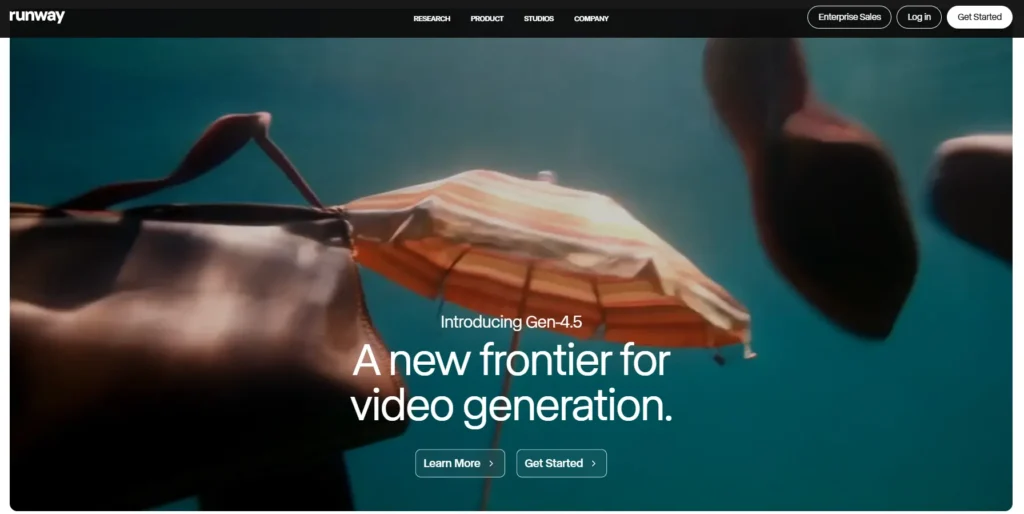
Runway has evolved from a niche AI research lab into the gold standard for cinematic video generation by 2026, thanks to its groundbreaking Gen-4 and Gen-4.5 models.
What sets it apart is the platform’s deep understanding of physics, character consistency, and scene coherence—imagine typing “a detective chasing a suspect through rainy neon streets” and getting a 10-second clip with fluid camera pans and lifelike water droplets.
It produces 4K-ready videos that pros use for trailers, VFX, and short films, outpacing rivals in motion control and reference image support. Filmmakers and ad agencies flock here because it bridges creative freedom with precision, unlike template-heavy tools.
Runway ranks #1 for its unmatched realism and workflow integrations, giving users an edge over less controllable options like Sora in professional pipelines. In tests, it consistently delivers Hollywood-grade outputs, making it a staple for agencies handling high-stakes projects.
Key Features:
Pricing:
Worth it? Yes for pros—credits stretch far with smart prompting.
Pros and Cons:
| Pros | Cons |
|---|---|
| Hyper-realistic motion | Steep learning for prompts |
| Pro-level controls | Credits expire monthly |
| Fast 4K renders | Pricey for casual users |
| API for automation | Long clips need segmentation |
Ideal Use Cases:
Filmmakers crafting cinematic sequences swear by Runway for its control, like indie directors prototyping scenes. Agencies use it for client pitches, turning mood boards into demos overnight. Pros benefit most, though advanced beginners can grow into it.
OpenAI Sora
OpenAI’s Sora, now in its 2026 iteration via ChatGPT integration, redefined text-to-video with surreal storytelling that feels alive—think prompts yielding epic narratives like “a fox navigating a cyberpunk city” with perfect physics and emotional depth.
Its uniqueness lies in beginner-friendly mobile access and remix features, producing high-res clips up to 20 seconds that blend photorealism with artistic flair. YouTubers and social creators love it for viral potential, as outputs consistently hook viewers better than rigid editors.
Sora ranks high for accessibility and quality, edging out Kling in realism while offering community remixing absent in enterprise tools. Competitive edge? Seamless iOS app and free entry make it a daily driver, unlike credit-hungry rivals.
Key Features:
Pricing:
Worth it? Absolutely for casual creators—free tier packs punch.
Pros and Cons:
| Pros | Cons |
|---|---|
| Stunning realism | Regional limits initially |
| Easy mobile use | Short clip max (20s Pro) |
| Free entry point | Unpredictable complex scenes |
| Remix inspiration | Compute queues on free |
Ideal Use Cases:
YouTube automation fans generate faceless story clips effortlessly. Social managers craft Reels from ideas on-the-go. Beginners thrive here, scaling to pros with remixing.
Synthesia
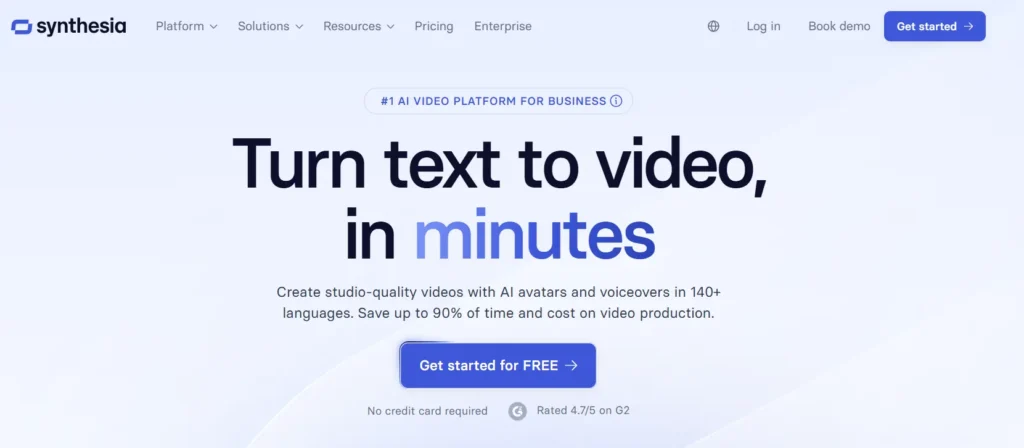
Synthesia pioneered AI avatars in 2026, boasting 230+ hyper-realistic presenters that speak 140+ languages with perfect lip-sync, ideal for global businesses ditching stock footage. Its engine clones your face or picks from diverse casts, outputting polished explainers that feel human.
Corporate trainers and marketers dominate users, as it scales personalized videos without actors. Ranking #3 reflects enterprise reliability over flashier generators, with advantages like unlimited minutes trumping Runway’s credits for volume work.
It’s the go-to for compliance-heavy sectors, where custom branding ensures trust.
Key Features:
Pricing:
Worth it? Yes for teams—ROI from scaled personalization.
Pros and Cons:
| Pros | Cons |
|---|---|
| Enterprise scalability | Avatar-focused, less dynamic |
| Multilingual mastery | Higher cost for volume |
| Custom clones | No cinematic motion |
| Easy localization | Limited free trial |
Ideal Use Cases:
Marketers personalize sales funnels with avatar pitches. Businesses train globally without travel. Agencies handle e-learning for clients efficiently.
Pictory AI

Pictory AI shines by 2026 as the repurposing wizard, turning blog posts, podcasts, or webinars into captioned shorts via smart summaries and scene detection.
Unique auto-editing pulls royalty-free stock, matching visuals to scripts flawlessly. Bloggers and educators save hours, producing snackable content that boosts engagement 3x.
It ranks strong for simplicity, beating InVideo in long-form conversion while offering more automation than manual editors. Edge over competitors: Huge media library minimizes custom shoots.
Key Features:
Pricing:
Worth it? Great value for repurposers.
Pros and Cons:
| Pros | Cons |
|---|---|
| Effortless repurposing | Shorts-focused |
| Massive stock library | No avatars |
| Beginner-proof | Quota limits |
| High engagement boosts | Web-only |
Ideal Use Cases:
Educators clip lectures for TikTok. Marketers recycle blogs into ads. E-com stores demo products from descriptions.
InVideo AI
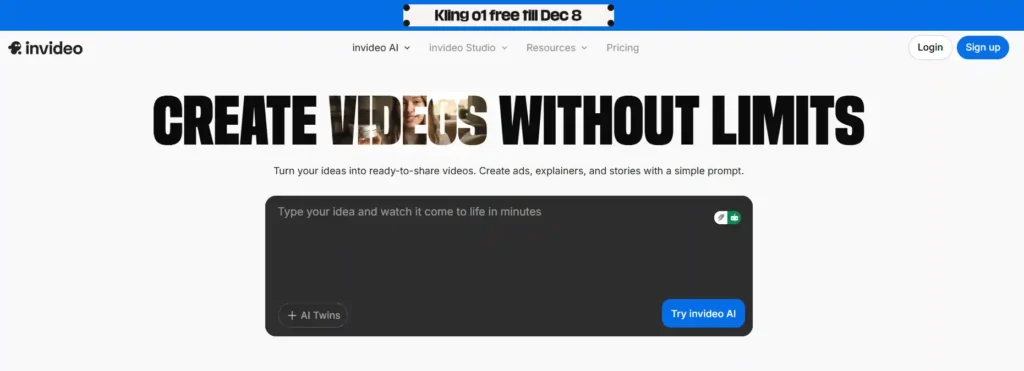
InVideo AI exploded in 2026 with 5,000+ templates tailored for social platforms, automating full videos from prompts including scripts and voiceovers.
It crafts platform-perfect formats like 9:16 Reels, blending stock with generative fills. Social managers and YouTubers rely on it for speed, ranking mid-pack for versatility but topping ease.
Beats Veed in templates, ideal for volume creators scaling channels.
Key Features:
Pricing:
Worth it? Yes for template lovers.
Pros and Cons:
| Pros | Cons |
|---|---|
| Template variety | Less unique visuals |
| Fast social outputs | Monthly resets |
| Team-friendly | Template dependency |
Ideal Use Cases:
Social media managers batch Reels. YouTubers automate intros/outros. Beginners launch channels quickly.
Veed.io
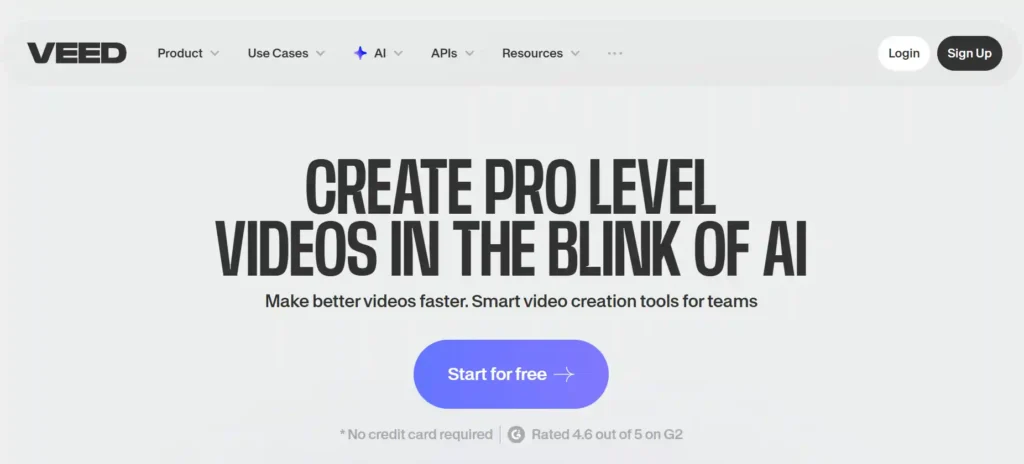
Veed.io’s 2026 browser magic combines AI editing with generation, auto-subtitling videos in 50+ languages for instant global reach. Excels in clean, collaborative workflows producing HD clips fast. YouTube creators rank it high for accessibility, edging Pictory in editing depth.
Key Features:
Pricing:
Worth it? Perfect for quick edits.
Pros and Cons:
| Pros | Cons |
|---|---|
| No-download ease | Less gen-focused |
| Multi-lang subs | Regional pricing |
| Collaboration | Watermarks on free |
Ideal Use Cases:
YouTubers subtitle tutorials. Managers translate promos. Teams co-edit remotely.
Kling AI
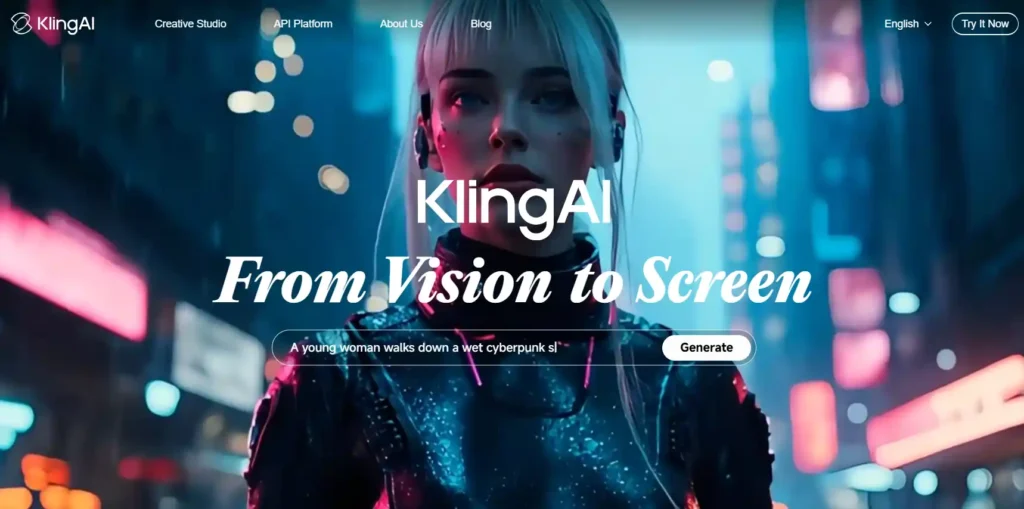
Kling AI captivates with stylized animations from images/text, emphasizing fluid motion for artistic clips. Artists favor its 1080p outputs, ranking for niche creativity over broad realism.
Key Features:
Pricing:
Worth it? Budget animation win.
Pros and Cons:
| Pros | Cons |
|---|---|
| Stylized flair | Lower realism |
| Affordable | App-centric |
| Fast motion | Limited enterprise |
Ideal Use Cases:
Animators for promos. Social for quirky clips.
LTX Studio

Conclusion
Whew, what a ride through 2026’s AI video playground—from Runway’s jaw-dropping cinematic tricks that make indie films feel epic, to Synthesia’s avatars chatting in 140 languages like old pals, and InVideo churning out Reels faster than you can say “viral.”
If you’re a YouTuber buried in edits, grab InVideo and automate those faceless bangers.
Marketers? Synthesia will personalize pitches that close deals while you sip coffee. Beginners, start with Veed—it’s like having a savvy editor buddy. The real magic? These tools free you to chase bigger ideas, not tech headaches.
I’ve tested ’em all, loved some, ditched others—so pick one that clicks with your style, fire up that free trial, and drop your first prompt today.
Who’s knows? Your next clip could be the one that blows up. What’s your big idea gonna be?

Founder and blogger at BestAIToolsHub.io, Explores and reviews AI tools that help people work smarter. With a passion for technology and content creation, Shares honest insights, comparisons, and practical guides. Goal is simple: make AI tools easy to understand and useful for everyone.




Leave a Reply