
8 Best AI Video Summarization Tools (You’ll Never Watch Full Videos Again)
Most of us live in a world of 1.5x speed and still can’t keep up. One long YouTube lecture, a 90‑minute Zoom call, a two‑hour webinar, and suddenly your entire afternoon is gone. It’s not that the content isn’t valuable—it’s that the signal is buried under a lot of talk, repetition, and small talk. That’s exactly where an AI video summarizer earns its keep.
Modern AI video summarization tools watch the content for you, turn speech into text, pull out the main ideas, and hand you a tight summary, timestamps, or even action items.
Students can review a week of lectures in an hour, creators can scan competitor videos fast, and busy professionals can finally stop rewatching whole meetings just to grab one decision.
In this guide, you’ll find the best AI video summarization tools in 2025, including YouTube video summarizers, tools to summarize long videos, and AI transcript summarizers tuned for real‑world workflows.
Quick Comparison: Best AI Video Summarization Tools
| Tool Name | Best For | Platforms Supported | Key Features | Pricing (from) |
|---|---|---|---|---|
| Notta AI | Meetings + general videos | Zoom, Google Meet, Teams, YouTube, MP4 | 98.86%+ transcription, AI notes, chapters, action items | Free; Pro ≈ $8.25/mo (annual) |
| Eightify | Fast YouTube summaries | YouTube (extension + app) | 5‑sec summaries, key insights, timestamps, 40+ languages | Free; paid from ≈ $4–5/mo |
| NoteGPT | Long YouTube + batch use | YouTube, some docs | No length limit, batch 20 vids, 60+ languages | Free; paid from ≈ $2.99/mo |
| Mindgrasp | Study & learning workflows | YouTube, uploads, docs | Summaries, Q&A, quizzes, flashcards | Free tier; ≈ $8.99/mo |
| ScreenApp | Screen rec + meeting vids | Screen, MP4 uploads, online meetings | Recording, transcription, AI notes & summaries | Free; Growth ≈ $15–30/mo |
| Monica | Visual mind map summaries | YouTube, web pages, text | AI mind maps, quick text summaries, browser extension | Free; Pro ≈ $8–9/mo |
| Wordtune | Research + writing combo | YouTube, text | Timestamped highlights, rewriting, content expansion | Free; ≈ $13–15/mo |
| Recall | Deep YouTube research | YouTube | Clean editable summaries, quizzes, topic graph | Freemium (varies) |
1. Notta AI
The “All‑In‑One” Meeting & Video Brain
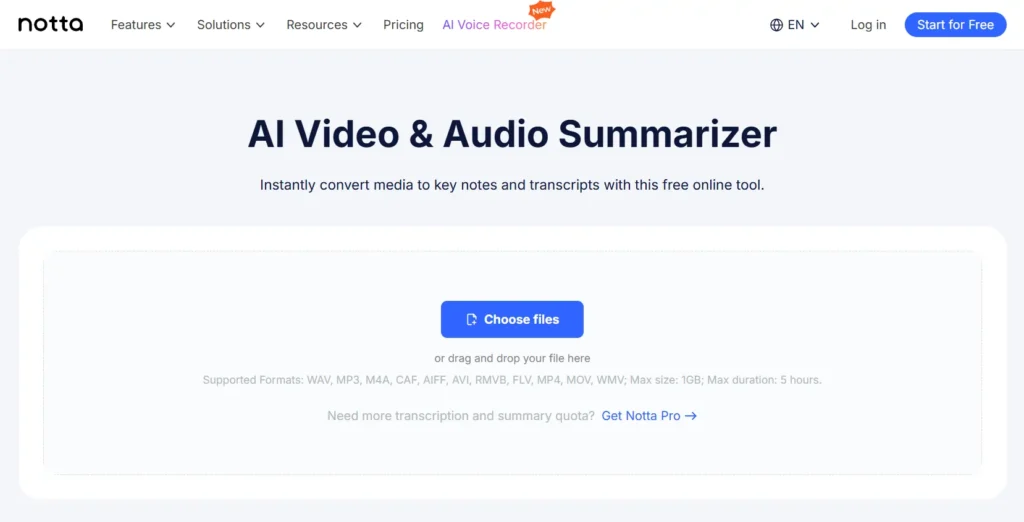
Notta AI feels less like a simple video summary generator and more like a personal note‑taking assistant that never gets tired. You can record meetings in real time, upload MP4s, or drop in YouTube links, and it will give you a highly accurate transcript plus a clean summary with sections and action items.
In 2026 it’s one of the few tools that comfortably handles both professional meetings and long‑form content like webinars or podcasts.
Key Features:
Pricing:
- Free plan: limited minutes, enough to test workflow.
- Pro: about $8.25/month billed annually (or around $13.99 monthly) with higher limits.
- Business & Enterprise: more minutes, team spaces, admin controls, custom pricing.
Pros & Cons:
Best For:
Real‑World Example:
Picture a SaaS team running a 75‑minute roadmap call. Notta records the call, labels who said what, and produces a summary with “Decisions,” “Risks,” and “Next steps.” Instead of three people writing slightly different notes, everyone works off that single source. You can reuse the same process for a 2‑hour webinar replay or a client training video and extract only the parts you truly need.
Why It Stands Out in 2026:
Notta is strong this year because it goes beyond “here’s a short summary” and actually supports full meeting workflows: real‑time capture, accurate transcripts, structured outputs, and team collaboration. It hits both the YouTube video summarizer and AI transcript summarizer needs in one place.
2. Eightify
Lightning‑Fast YouTube Video Summarizer
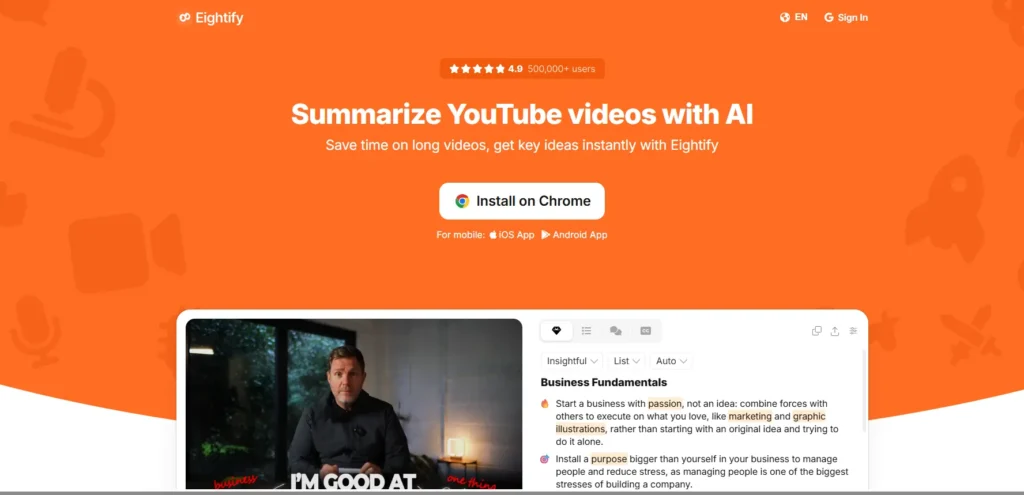
Eightify lives inside YouTube as a Chrome extension and mobile app, so you click one button and get a summary in seconds. That alone changes how you browse: instead of guessing whether a 50‑minute podcast is worth it, you skim the key insights first. For research, niche hunting, or just curiosity, it’s one of the fastest AI tools for content creators on YouTube right now.
Key Features:
Pricing:
- Free: limited number of summaries per week and video length caps.
- Paid: roughly in the $4–5/month range depending on offer and region, unlocking more or unlimited summaries.
Pros & Cons:
Best For:
Real‑World Example:
Let’s say you’re researching “AI video analysis tools.” You open five long reviews on YouTube, run Eightify on each, then quickly spot which ones dive into pricing details and real examples instead of just buzzwords. You only watch those two and save yourself an entire evening.
Why It Stands Out in 2026:
Eightify sits exactly where attention is going: long‑form YouTube. With better models and smooth UX, it feels less like a fancy toy and more like a browser superpower for anybody who learns or works from YouTube.
3. NoteGPT
Heavy‑Duty YouTube & Video Summary Generator
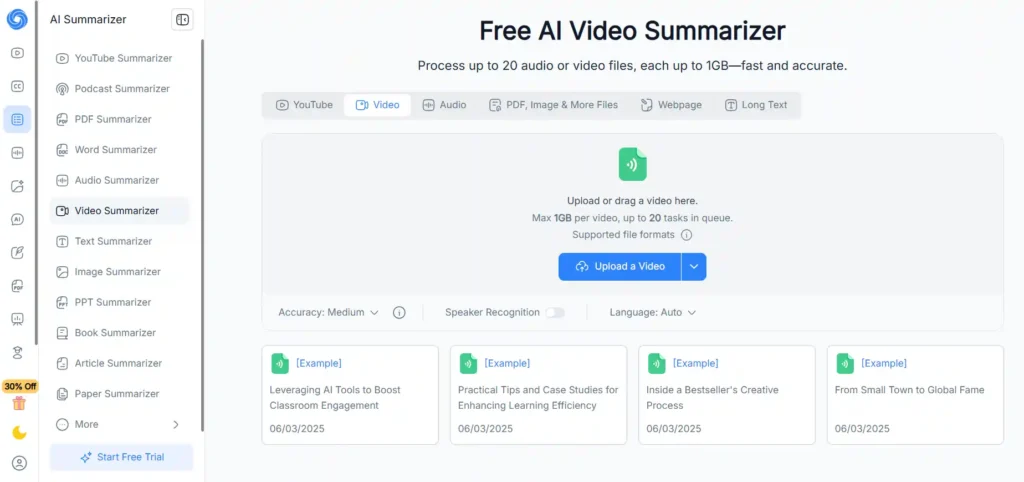
NoteGPT is the workhorse when you have many long videos to process, not just the occasional clip. It can summarize YouTube videos of almost any length, even without subtitles, and batch up to 20 links at once. It also works as a general AI video summarizer and translator, making it handy if you follow channels in multiple languages.
Key Features:
Pricing:
- Free: core summarizer with limited daily or monthly usage.
- Paid: low entry point (around $2.99/month) with higher caps; more advanced plans available for power users.
Pros & Cons:
Best For:
Real‑World Example:
Imagine you’re building a guide on “best AI SEO tools” and you’ve collected 15 different YouTube breakdowns. You drop all URLs into NoteGPT, let it batch summarize, then skim through to see which tools show up repeatedly and what pros/cons real users mention. That becomes the backbone of your own, better‑organized article.
Why It Stands Out in 2026:
NoteGPT wins on scale and affordability. You get tools to summarize long videos, handle multiple languages, and run batches, without enterprise‑level pricing. For heavy learners and content researchers, that balance is gold.
4. Mindgrasp
AI Video Summarizer Built for Learning
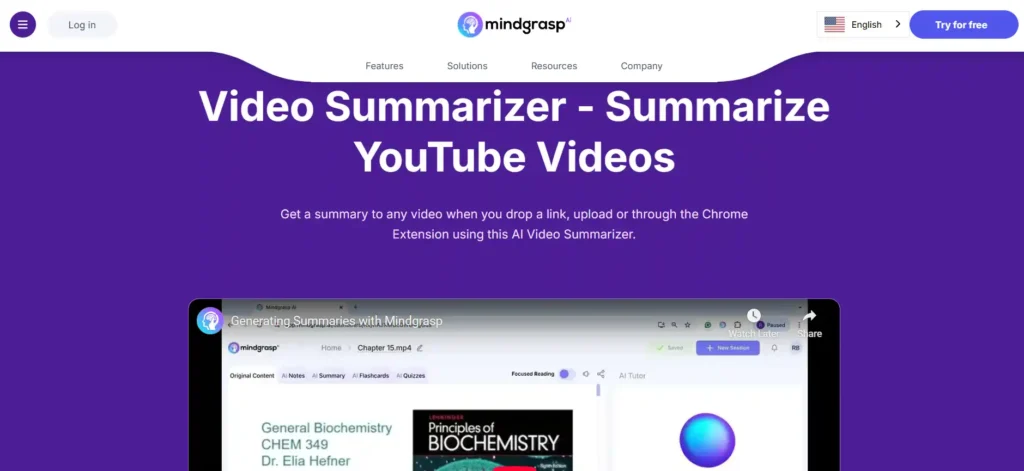
Mindgrasp doesn’t just summarize—it teaches. You can feed it YouTube videos, lecture recordings, PDFs, and other study material, and it will create summaries, Q&A, flashcards, and even quizzes from them. That turns an otherwise passive two‑hour video into a complete study set you can drill in short sessions.
Key Features:
Pricing:
- Free access with limited features.
- Paid subscriptions with extra features like personal library and section summaries (entry price around the high single digits per month in many markets).
Pros & Cons:
Best For:
Real‑World Example:
Say you’re preparing for a cloud certification and have a mix of video lectures, PDFs, and slides. You load them into Mindgrasp, generate summaries and flashcards, then review them on your commute or at lunch. You still watch some video, but most of your time is now spent actively recalling, not passively listening.
Why It Stands Out in 2026:
Mindgrasp turns AI video summarization into an actual study system. In a year where online learning is only getting denser, tools that move you from “I watched that” to “I can recall that” are incredibly valuable.
5. ScreenApp
Screen Recording Meets AI Video Analysis
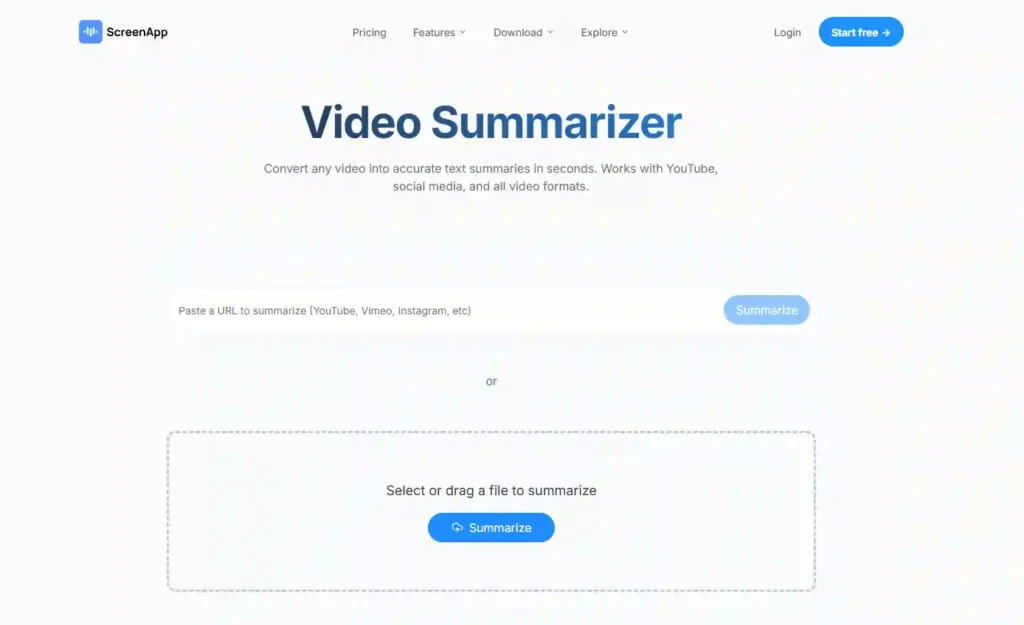
ScreenApp started as a screen recorder but has grown into a full AI video analysis tool for teams. You can record live screens, upload existing MP4s, and then get transcripts, searchable text, and AI‑generated notes and summaries.
For teams drowning in demo videos, training calls, and internal walkthroughs, it becomes a private “YouTube plus AI” just for your company.
Key Features:
Pricing:
- Free: 3 recordings (up to 45 minutes each), 3 AI credits, and 1 transcription/month.
- Growth: around $30/month, with 30 AI credits, 30 recordings, 30 transcriptions (up to 2 hours each).
- Business: about $50/month with unlimited credits and a meeting bot, API, and webhooks.
Pros & Cons:
Best For:
Real‑World Example:
A support lead records a complex setup walkthrough once with ScreenApp. The tool transcribes and summarizes it, and the video lives in the internal library. New support agents later search by keyword (“webhook”) and jump straight to the part of the video that explains it, rather than pinging seniors every time.
Why It Stands Out in 2026:
More work is happening asynchronously, and teams need searchable video knowledge, not just Slack threads. ScreenApp plugs this gap by giving you a structured, AI‑powered archive of your screen and meeting content.
6. Monica
Visual Mind Maps from Long Videos
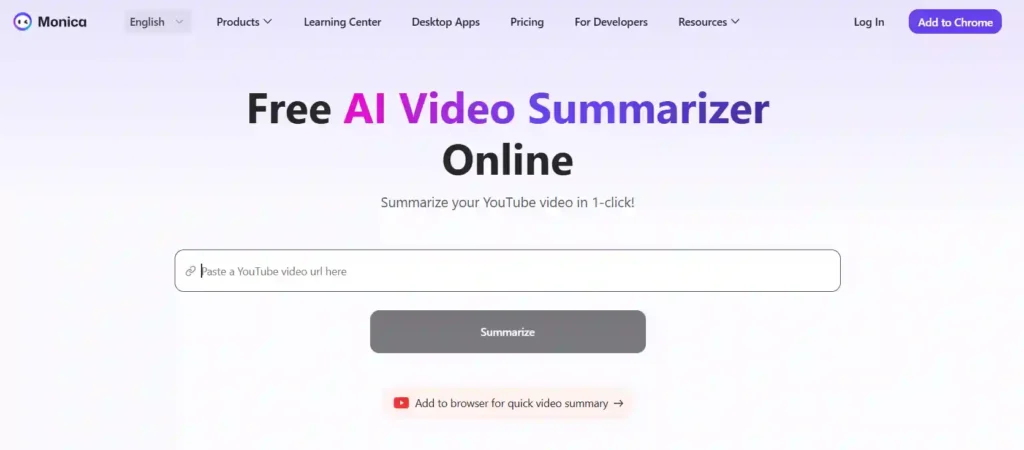
Monica is an AI assistant with a very handy side talent: it creates mind maps and visual summaries from content, including YouTube videos and web pages. If you process a lot of conceptual content—strategy talks, marketing breakdowns, philosophy lectures—seeing everything mapped out visually can be a game‑changer.
Key Features:
Pricing:
- Free: basic assistant and limited mind map use.
- Pro: around $8–9/month with higher usage and stronger models.
Pros & Cons:
Best For:
Real‑World Example:
You’re watching a long talk on “content flywheels.” You send it to Monica and get a map with branches like “Acquisition,” “Retention,” and “Repurposing,” each with sub‑points. That map becomes the outline for your own blog series or internal strategy deck.
Why It Stands Out in 2026:
We’re all consuming more complex ideas, and pure text summaries don’t always stick. Monica’s visual approach makes those ideas easier to remember and share.
7. Wordtune
YouTube Video Summarizer for Writers
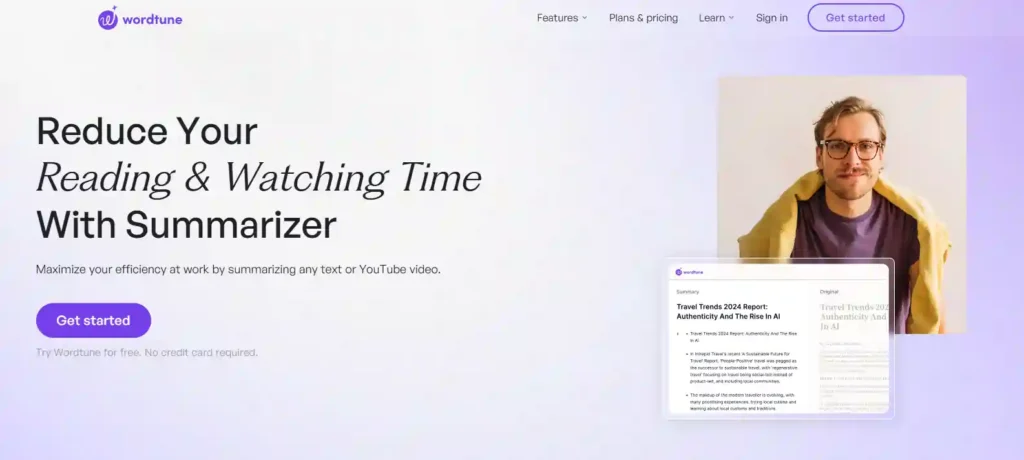
Wordtune is primarily known as a writing assistant, but its YouTube video summarizer quietly solves a big headache for researchers and content creators: turning long videos into structured notes and then into polished writing.
You paste a link, it produces a summary and highlights (often with timestamps), and you can instantly rewrite or expand those into sections of your article or script.
Key Features:
Pricing:
- Free: limited daily AI operations.
- Paid: around $13–15/month for higher quotas and advanced features.
Pros & Cons:
Best For:
Real‑World Example:
You’re drafting a “Best AI tools for content creators” article and have three expert interviews on YouTube. You feed them into Wordtune, grab the key talking points for each expert, and then expand those into sections with your own commentary and examples. Most of the “heavy lifting” is just selecting and refining, not transcribing.
Why It Stands Out in 2026:
Writers are under pressure to produce faster without losing quality. Wordtune’s combo of YouTube video summarizer + writing toolkit is tailor‑made for that problem.
8. Recall
Up‑and‑Coming Deep YouTube Research Tool
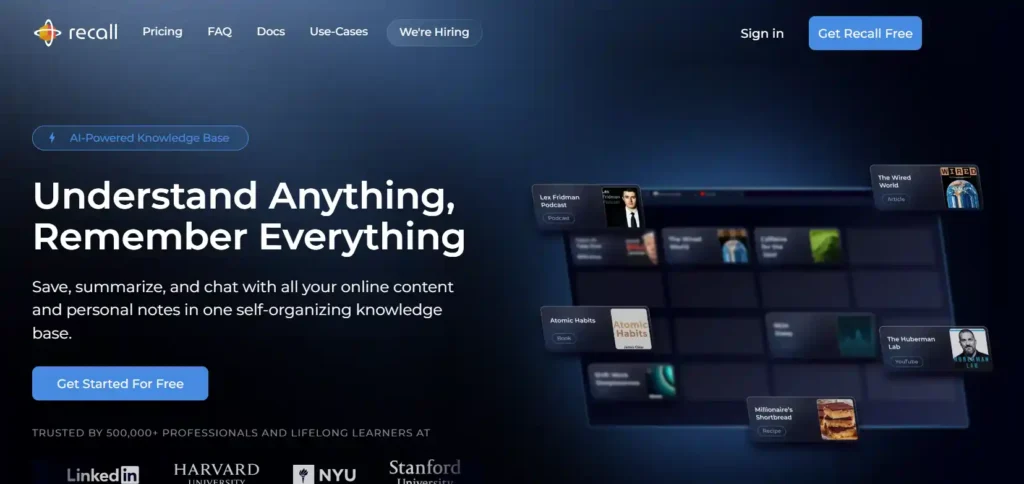
Recall is a newer name in the AI video summary space but already getting buzz among productivity YouTubers. It generates clean, editable summaries with timestamps, lets you create quizzes and flashcards, and groups videos automatically by topics with a visual graph. It’s like a “second brain” for everything you watch.
Key Features:
Best For:
Pricing:
- Freemium: Core summaries and highlights with basic limits.
- Paid: Upgraded plans (pricing evolving) that unlock more videos, advanced quiz/flashcard features, and deeper topic graph usage.
Pros & Cons:
Real‑World Example:
You’ve watched dozens of YouTube videos on “AI automation for small business” and want to script your own video without rewatching everything. Recall shows you summaries and highlights for all those videos in one topic cluster, so you quickly see that nobody is covering client onboarding automations—and you build your script around that gap.
Why It Stands Out in 2026:
Recall stands out because it turns YouTube viewing into a long‑term “second brain”: clean summaries, timestamped highlights, quizzes, flashcards, and a topic graph that connects everything you’ve watched. For heavy YouTube learners, it’s more than a video summary generator—it’s a memory and research system built directly on top of your watch history.
Which Tool Is Best for Your Use Case?
Best for Students & Learners
Best for YouTube Creators & Researchers
Best for Webinars & Meetings
Best Free & Budget‑Friendly Options
Best Premium / Power User Choices
FAQs About AI Video Summarization Tools
What is an AI video summarization tool?
It’s a tool that turns the audio in your videos into text with speech recognition, then uses AI to condense that text into short, readable summaries, highlights, or action items. In practice, it’s like having a note‑taker who watches your YouTube videos, webinars, and Zoom calls for you.
How accurate are AI video summarizers?
For clear audio, the top tools reach around 95–99% transcription accuracy, and the summaries are usually strong enough that you can trust the main ideas, then spot‑check details using timestamps. Accuracy drops with heavy accents, background noise, or very technical jargon, so it’s smart to skim the transcript for critical decisions or quotes.
Do these tools work with Zoom or Teams recordings?
Yes—tools like Notta and ScreenApp are built around online meetings and support direct connections or easy uploads of MP4 recordings from Zoom, Google Meet, Teams, and similar platforms. Once uploaded, they generate transcripts and summaries just like they would for any other video.
Can AI summarizers handle long videos and playlists?
Definitely. NoteGPT is designed for long and even subtitle‑free videos, and can batch up to 20 YouTube links at once. Other tools like Eightify and Mindgrasp also handle multi‑hour content, though free plans may limit how much you can process in a single day.
Are free AI video summarizers good enough?
For light personal use—like summarizing a few YouTube lectures or the occasional webinar—free tiers from Eightify, Summarize.tech, NoteGPT, and Mindgrasp are usually enough. If you’re summarizing videos daily, running a content business, or managing a team, paid plans pay for themselves in time saved within a week or two.
Which AI video summarizer is best for students?
Mindgrasp tends to be the top pick because it doesn’t stop at a summary; it also creates quizzes, flashcards, and Q&A from your lectures and documents. NoteGPT is a close second for students who binge entire YouTube courses and need batch summaries and multilingual support.
What’s the best tool for YouTube creators and researchers?
For pure YouTube video summarizer needs, Eightify is hard to beat on speed and convenience. If you also want to write articles or scripts directly from the summaries, Wordtune gives you a smoother “watch → summarize → write” pipeline.
Can AI video summarizers replace watching the full content?
Sometimes yes, but not always. For quick updates, trend checks, or surface‑level understanding, the summary is often enough. For nuanced topics, technical tutorials, or anything where tone and nuance matter, treat the summary as a map and then jump into specific chapters or timestamps rather than skipping the video entirely.
Final Thoughts: Choosing the Right AI Video Summarizer
If your day is packed with meetings, start with Notta or ScreenApp so you can automate note‑taking and turn every call into actionable summaries. If you live on YouTube,
Eightify, NoteGPT, and Wordtune will help you scan long videos, pick the good ones, and turn them into content or study notes. Learners who care about exams and deep understanding should gravitate toward Mindgrasp or Recall, where summaries are just the first step in a proper learning system.
The best approach is simple: pick one free tool aligned with your main use case, run it for a week on your real workload (lectures, client calls, or research), and then decide if upgrading is worth the time you’re getting back. Chances are, once you stop manually rewatching every long video, you won’t want to go back.

Founder and blogger at BestAIToolsHub.io, Explores and reviews AI tools that help people work smarter. With a passion for technology and content creation, Shares honest insights, comparisons, and practical guides. Goal is simple: make AI tools easy to understand and useful for everyone.




Leave a Reply