Best Free AI Web Scraping Tools 2026 (No-Code, Unlimited & Actually Work!)
I used to spend hours manually copying pricing data from competitor sites into a spreadsheet. I’d grab a coffee, Ctrl+C, Ctrl+V, rinse, and repeat until my eyes glazed over. Then I tried writing a Python script, only to have my IP blocked five minutes later because I forgot to rotate my headers.
If you’ve ever tried to build a lead list, monitor product prices, or gather training data for an LLM, you know this pain. The good news? AI web scraping software has evolved. You no longer need to be a Python wizard or suffer through manual copy-pasting to get structured data.
In 2026, the “best” tools aren’t just the ones that can extract text; they are the ones that can navigate complex JavaScript, bypass CAPTCHAs automatically, and format the mess into clean JSON or CSV files for you.
Here is my honest, experience-based breakdown of the best free AI web scraping tools available right now.
Quick Comparison: Best Free AI Web Scrapers
| Tool Name | Best For | AI Capability | No-Code? | Free Plan Limit | Ideal Users |
|---|---|---|---|---|---|
| Octoparse | Visual scraping (point & click) | Auto-detection of lists | Yes | 10k rows/export (Local) | Marketers, Non-coders |
| ParseHub | Complex sites (maps/calendars) | Predictive selection | Yes | 200 pages per run | Researchers |
| Webscraper.io | Simple browser-based tasks | N/A (Rule-based) | Yes | Unlimited (Local) | Beginners |
| ScraperAPI | Avoiding IP bans | AI Anti-bot detection | No (API) | 1,000 credits/mo | Developers |
| ScrapingBee | Rendering JS heavy sites | AI Proxy management | No (API) | 1,000 credits (Trial) | Devs using Python/Node |
| Firecrawl | LLM-ready datasets | URL to Markdown | Yes | 500 pages/mo | AI Engineers |
| Kadoa | Automated workflows | Semantic extraction | Yes | 500 credits/mo | Data Analysts |
| Glasp | Manual research/Notion | AI summarization | Yes | Free (Browser Ext) | Content Creators |
| SerpAPI | Google/Search results | N/A (Specialized API) | No (API) | 100 searches/mo | SEO Pros |
| Scrapy | Massive scale projects | Open Source Framework | No | Unlimited (Self-hosted) | Python Developers |
What is an AI Web Scraping Tool?
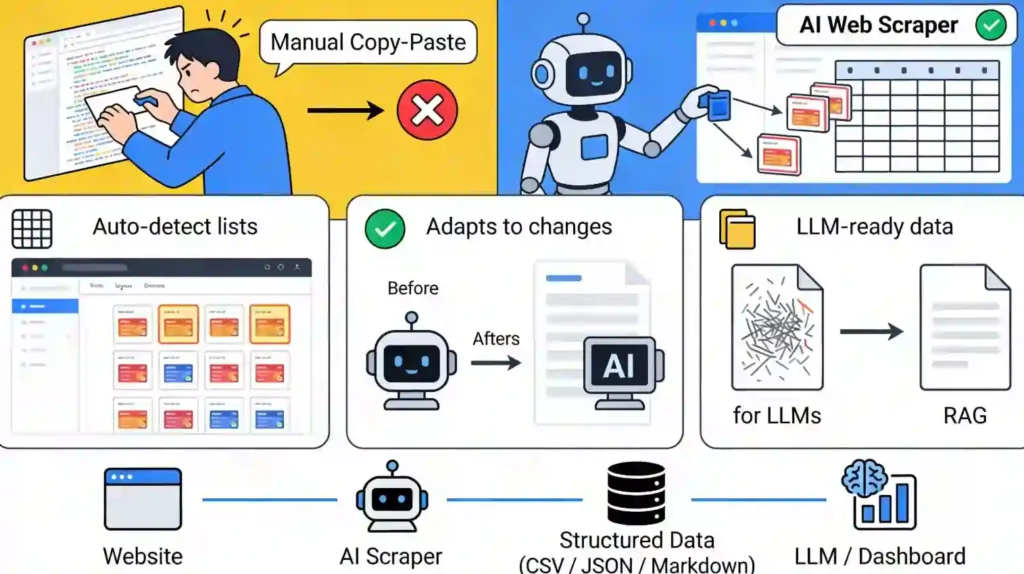
If you are new to this, traditional web scraping meant writing rigid code that said, “Go to line 45 and copy the text.” If the website owner moved a button one inch to the left, your entire script would break.
AI-powered web scraping changes the game by using machine learning to “see” the page like a human does. Instead of relying on rigid code, AI tools can:
Top Free AI Web Scraping Tools (2026 Reviews)
I’ve tested these personally to see if their “free” tiers are actually usable or just glorified trials.
1. Octoparse
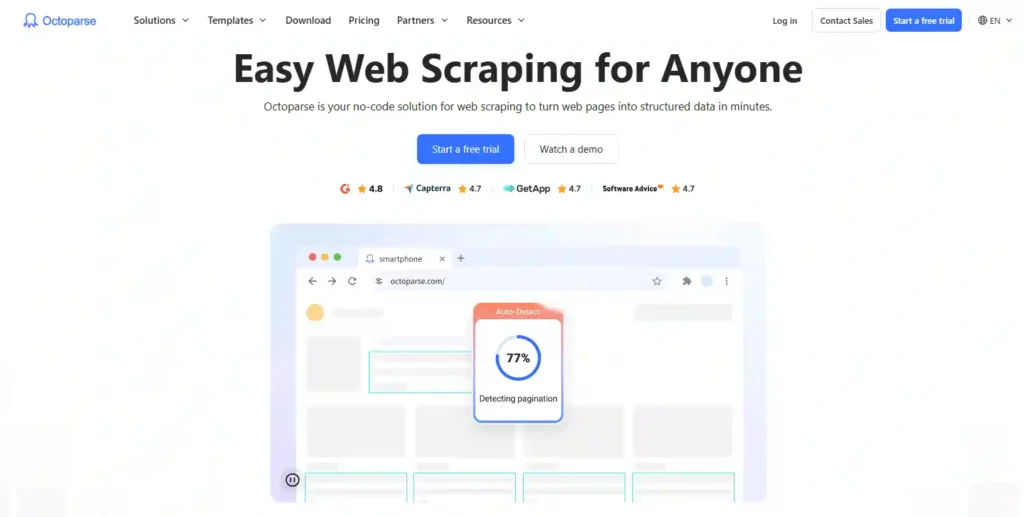
Octoparse is often the first stop for people who want web scraping without coding. It’s a desktop software that simulates a browser. You literally browse to the site, click on the data you want, and it builds the scraper for you. Its “Auto-Detect” feature uses AI to guess what you are trying to scrape (like a table of products) automatically.
Key Features:
Free Plan Details:
Pros and Cons:
2. ParseHub
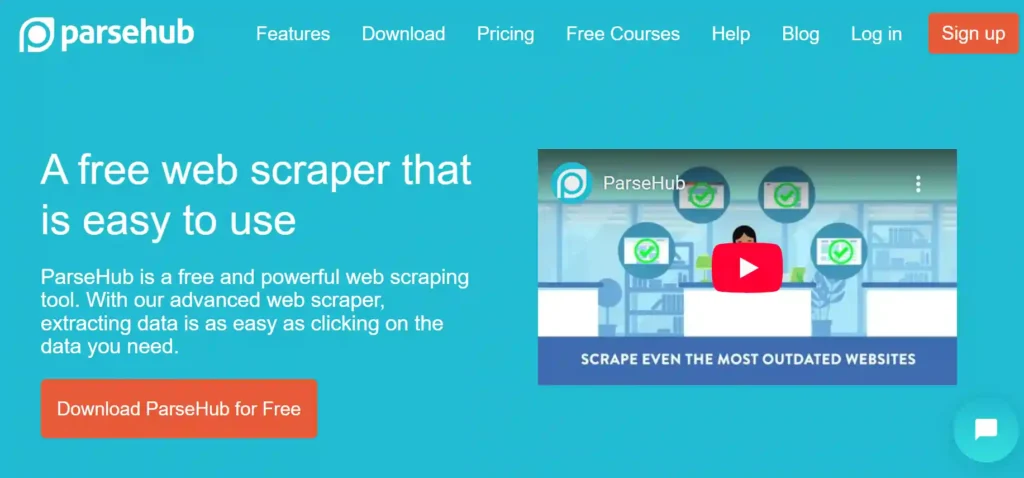
ParseHub is similar to Octoparse but handles dynamic JavaScript websites exceptionally well. If you’ve ever tried to scrape a site with an “infinite scroll” or a map that needs clicking, ParseHub is usually the answer. It uses machine learning to “predict” related elements—click one product name, and it highlights all the others for you.
Key Features:
Free Plan Details:
Pros and Cons:
3. Webscraper.io
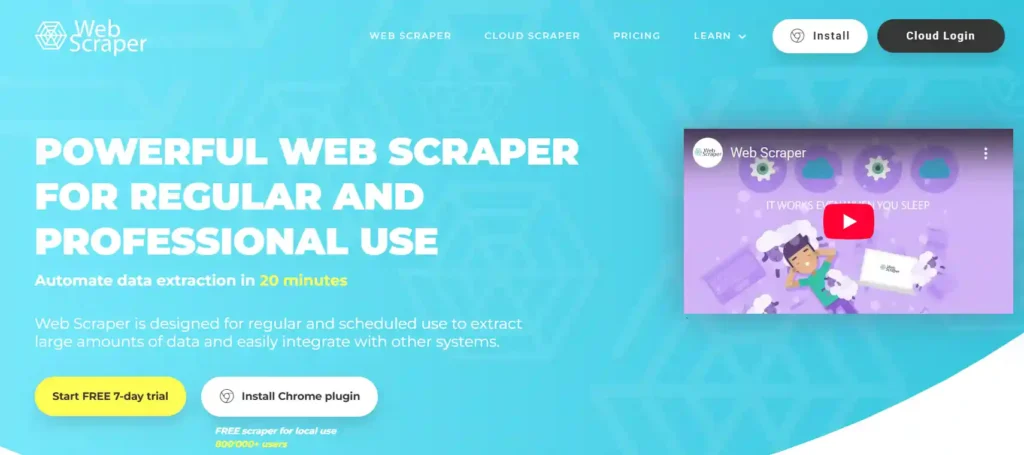
If you just need a quick list from a website and don’t want to install heavy software, this is the best browser extension. It lives in your Chrome DevTools. While it’s not “AI” in the generative sense, it automates data extraction effectively directly from your browser.
Key Features:
Free Plan Details:
Pros and Cons:
4. ScraperAPI
This is for the developers. ScraperAPI isn’t a tool you “click” in; it’s a service you send a URL to, and it returns the HTML. It solves the biggest headache in scraping: getting blocked. It handles proxies, CAPTCHAs, and browser rendering automatically using AI-driven anti-bot detection.
Key Features:
Free Plan Details:
Pros and Cons:
5. ScrapingBee
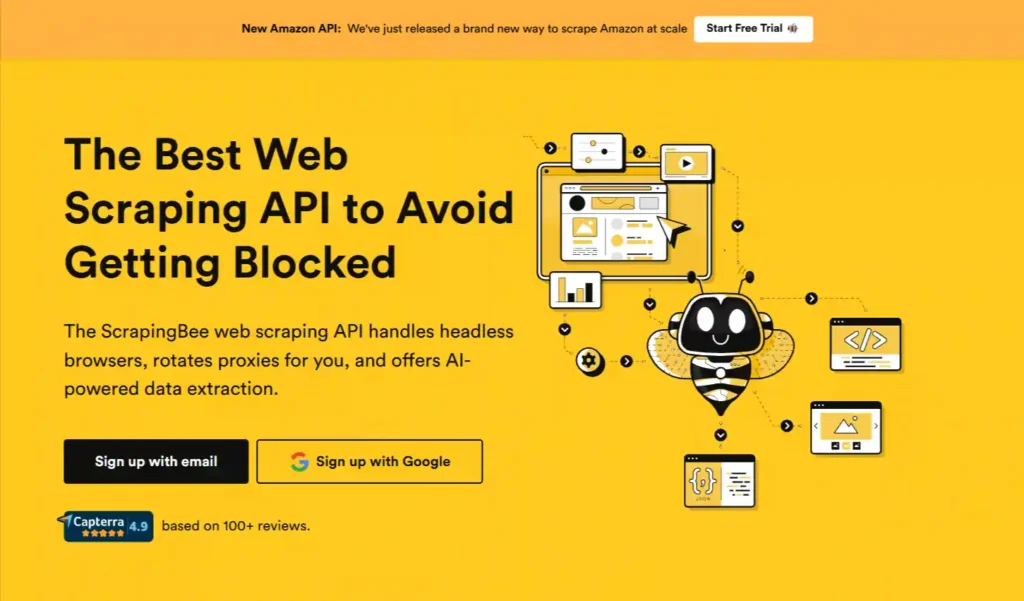
Similar to ScraperAPI, ScrapingBee focuses on rendering web pages as a real browser would. It is heavily used by developers who need to extract data from sites that use complex frameworks like React or Vue.js. It essentially gives you a “Chrome browser in the cloud” controllable via API.
Key Features:
Free Plan Details:
Pros and Cons:
6. Firecrawl
Firecrawl is a newer entrant designed specifically for the AI era. It turns websites into clean Markdown. Why does this matter? Because Markdown is the native language of LLMs (like GPT-4 and Claude). If you are building an AI chatbot and need AI training data extraction, Firecrawl is the tool.
Key Features:
Free Plan Details:
Pros and Cons:
7. Kadoa
Kadoa (formerly known for different AI data tools) positions itself as an “autopilot” for web scraping. You describe what you want, and its “Semantic Scraper” figures it out. It uses LLMs to understand the page content, making it much more resilient to layout changes than Octoparse or ParseHub.
Key Features:
Free Plan Details:
Pros and Cons:
8. Glasp AI Scraper
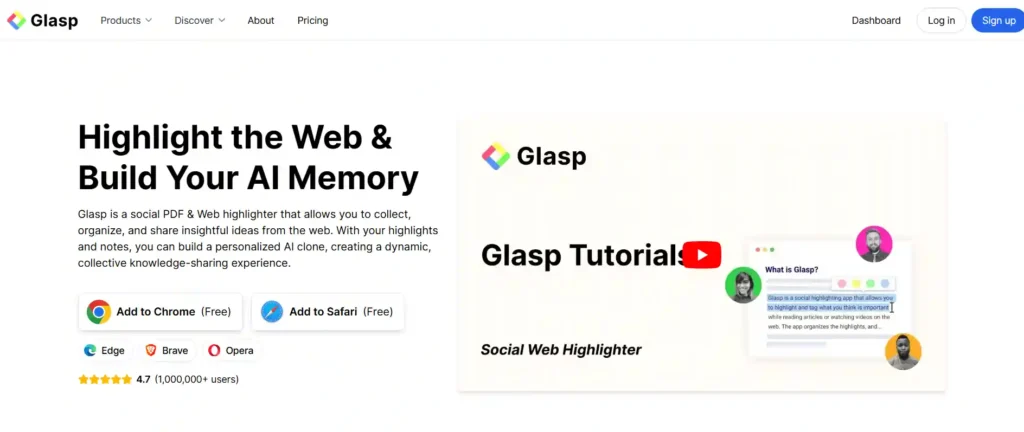
Glasp is a bit different. It’s a “social highlighter” browser extension, but it doubles as a fantastic micro-scraper. If you are doing manual research and need to grab text, summaries, or metadata from a specific page and send it to Notion or Obsidian, Glasp is unbeatable.
Key Features:
Free Plan Details:
Pros and Cons:
9. SerpAPI (Free Tier)
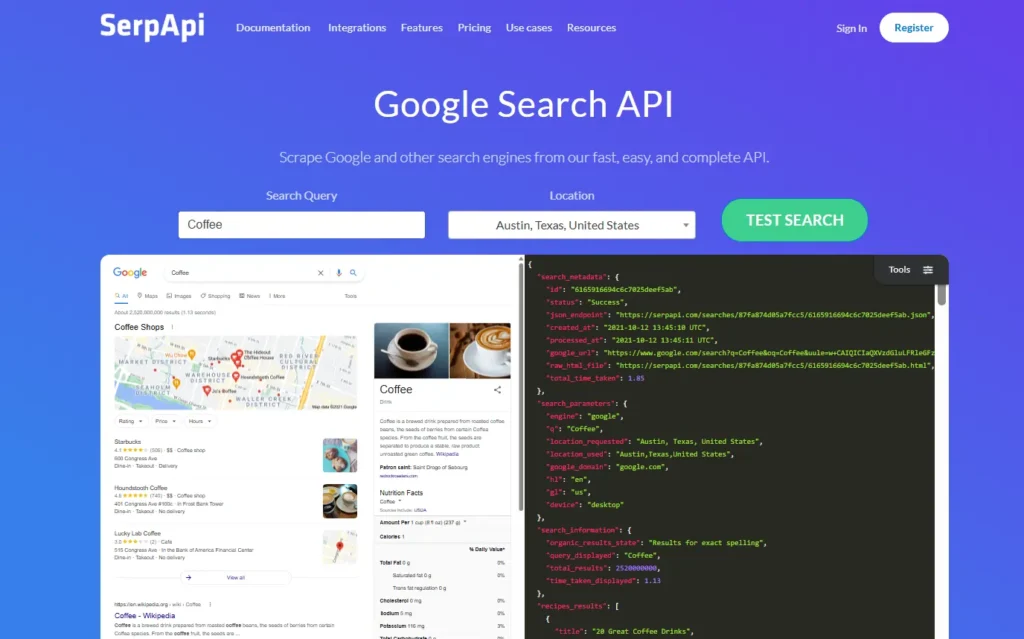
Scraping Google is notoriously difficult. Google changes its layout constantly and blocks IPs aggressively. SerpAPI handles this specifically. It’s an API that returns Google (and other search engine) results as JSON. It’s the industry standard for ethical web scraping of search data.
Key Features:
Free Plan Details:
Pros and Cons:
10. Scrapy (Open Source)
Scrapy is the grandfather of web scraping. It is an open-source Python framework. There is no AI “magic” out of the box, but you can integrate it with AI libraries.
It is the most powerful tool on this list because it has zero arbitrary limits—your only limit is your hardware and your ability to code.
Key Features:
Free Plan Details:
Pros and Cons:
Use-Case Based Recommendations
Here is the reality check: Free tools are bait.
Free vs. Paid AI Web Scraping Tools
They are fantastic for:
- Student projects.
- One-time lead generation lists (e.g., “I need 500 dentists in Chicago”).
- Testing a concept before building a full product.
However, if you plan to scrape Amazon prices every hour, or monitor 50,000 news articles a day, free plans will fail you. You will hit the “credit limit” or get IP banned because free plans rarely offer premium residential proxies.
When to upgrade:
If your business revenue depends on this data (e.g., you run a price comparison site), pay for a tool like Kadoa or ScraperAPI. The cost of the tool is cheaper than the time you’ll waste fixing a broken free scraper.
FAQs Related to AI Web Scraping
Is AI web scraping legal?
Generally, scraping publicly available data is considered legal in many jurisdictions (like the US), provided you do not scrape behind a login (copyrighted content) and do not harm the website’s performance. However, always check the site’s robots.txt file and Terms of Service. Note: This is not legal advice.
Can I scrape websites without coding?
Absolutely. Tools like Octoparse and ParseHub are specifically designed as no-code web scraping tools. You simply click on the elements you want to extract, and the software writes the script for you.
Are free AI web scrapers reliable?
They are reliable for small tasks, but they lack scale. Free plans often run on shared IPs, meaning they get blocked more frequently by websites than paid plans that use premium proxies.
Can scraped data be used for LLM training?
Yes, but quality matters. Raw HTML is messy. Tools like Firecrawl and Kadoa are best for this because they clean the data into structured formats (JSON/Markdown) that LLMs can actually understand and learn from.
Do AI scrapers work on dynamic websites?
Yes. Traditional scrapers fail on sites built with React or Vue (where data loads after the page opens). AI scrapers and tools with “Headless Browsers” (like ScrapingBee or ParseHub) wait for the JavaScript to finish loading before extracting data.
Final Expert Recommendation
If you are a non-technical user who just wants a spreadsheet of data today, download Octoparse. The free tier is robust, and the visual builder is forgiving.
If you are a developer or building an AI app, start with Firecrawl. It bridges the gap between raw web data and LLM context perfectly, saving you hours of data cleaning.

Founder and blogger at BestAIToolsHub.io, Explores and reviews AI tools that help people work smarter. With a passion for technology and content creation, Shares honest insights, comparisons, and practical guides. Goal is simple: make AI tools easy to understand and useful for everyone.



Leave a Reply