
Best AI YouTube Shorts Maker 2026: 9 Tools for Viral Clips
Picture this: You’re scrolling YouTube late at night, and bam—a 15-second clip hooks you so hard you watch it three times. That’s the magic of Shorts in 2026.
They’re not just trending; they’re how creators are blowing up fast, with some channels hitting 100K subs in months. But let’s be honest, cranking out daily viral content manually? It’s a grind that burns people out quick.
Enter AI tools—these bad boys handle the heavy lifting like scripting hooks, slapping on eye-popping captions, and even predicting what’ll crush the algorithm.
If you’re tired of zero-view clips, the Best AI YouTube Shorts Maker will turn your raw footage or wild ideas into retention monsters. I’ve spent weeks testing these hands-on, and trust me, they work. Ready to level up?
Quick Comparison Table
| Tool Name | Best For | Key Features | Free Plan | Starting Price | Rating (Editor’s Pick) |
|---|---|---|---|---|---|
| Pictory AI | Script-to-video | Auto highlights, text edits | Trial | $19/mo | ⭐⭐⭐⭐ |
| InVideo AI | Text prompts to video | Voice cloning, magic edits | Limited | $20/mo | ⭐⭐⭐⭐⭐ |
| Kapwing AI | Meme & collab edits | Smart cut, auto subs | Yes | $16/mo | ⭐⭐⭐⭐ |
| Descript | Talking-head clips | Text-based editing, overdub | Yes | $12/mo | ⭐⭐⭐⭐⭐ |
| VEED.IO | Quick polish & subs | Eye contact fix, templates | Yes | $12/mo | ⭐⭐⭐⭐ |
| Adobe Premiere Pro | Pro-level quality | Auto reframe, speech enhance | No | $22.99/mo | ⭐⭐⭐⭐⭐ |
| Canva AI | Graphic-heavy Shorts | Magic design, beat sync | Yes | $12.99/mo | ⭐⭐⭐⭐ |
| Clipchamp AI | Windows quick starts | Auto compose, text-to-speech | Yes | $11.99/mo | ⭐⭐⭐ |
| Opus Clip | Long-video repurposing | Virality score, speaker detect | Limited | $15/mo | ⭐⭐⭐⭐⭐ |
Pictory AI
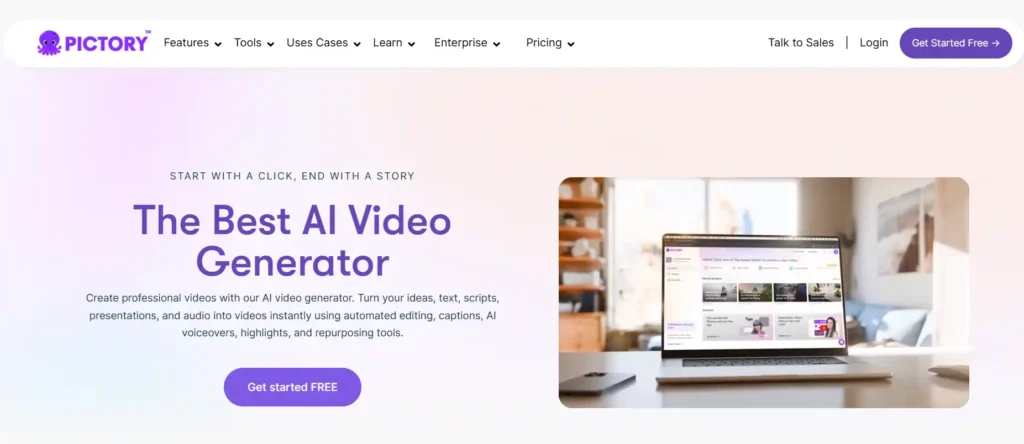
Pictory AI feels like a cheat code for anyone who hates filming but loves sharing ideas. You drop in a script, blog post, or even a long recording, and it pulls matching stock footage, adds smooth voiceovers, and spits out a polished Short ready to post. It’s a game-changer for folks struggling with “what to film next” because it solves content creation from scratch while keeping things faceless if you want.
The real win? It grabs the juiciest bits from hour-long talks, turning them into snappy clips that hold attention. Bloggers, coaches, and side-hustlers swear by it since it fits right after brainstorming—write, generate, tweak, upload. What sets it apart is that text-based editing; cut a sentence, and the video updates instantly, no timeline headaches.
Key Features:
Pros & Cons:
Best For: Bloggers and faceless creators turning words into watchable Shorts.
Pricing: Starts at $19/month for Standard (annual billing). Pricing may vary; check official site.
InVideo AI
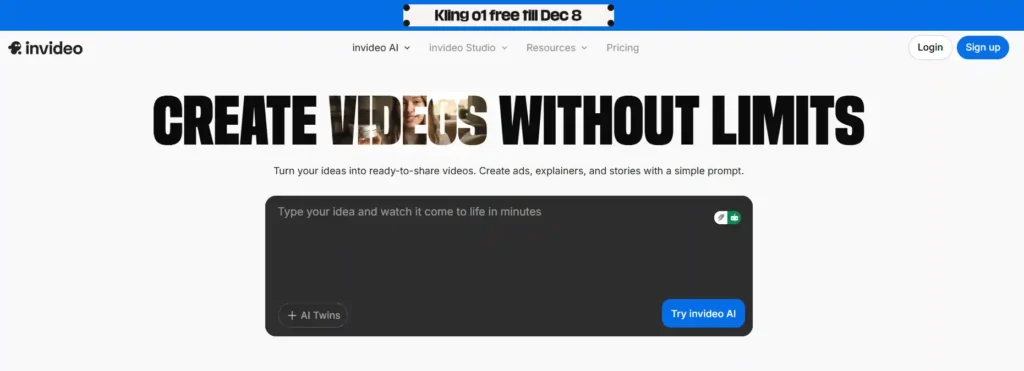
InVideo AI is like texting a video pro: “Hey, make me a hype Short on fitness tips,” and minutes later, you’ve got a complete clip with script, visuals, and narration. It shines by generating everything from prompts, fixing the “blank page” terror for daily posters. Speed demons love it because one idea becomes a viral-ready Short without touching a single slider—who uses it? Growth hackers and automation fans churning content across platforms.
It slots perfectly into your flow: brainstorm in notes app, paste prompt, edit via chat commands like “add funny meme,” done. The unique edge is voice cloning; sounds just like you without re-recording flubs.
Key Features:
Pros & Cons
Best For: Speed-focused creators and automation channels pumping daily content.
Pricing: Plus plan from $20/month (annual). Pricing may vary; check official site.
Kapwing AI
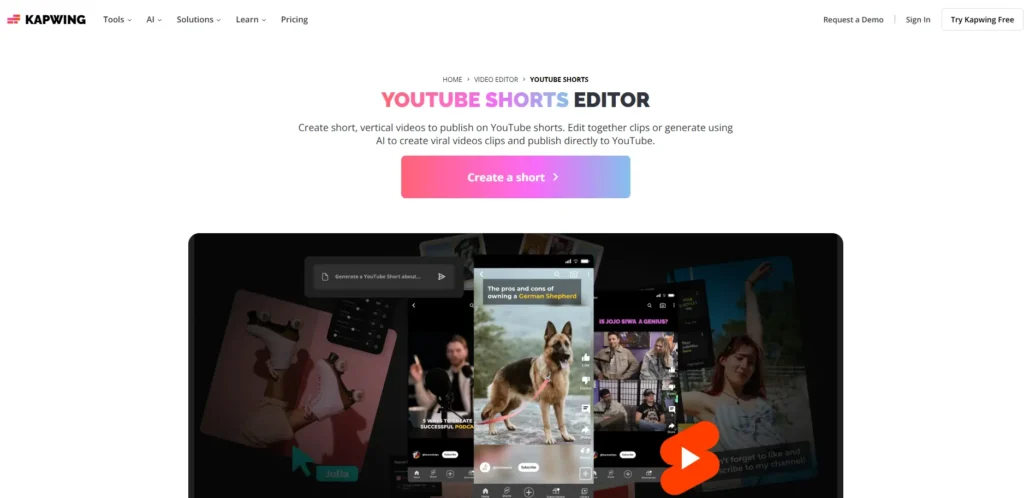
Kapwing’s your go-to for fun, social-ready edits that feel like TikTok native. Upload a clip, hit Smart Cut, and it zaps silences while suggesting meme overlays—perfect for solving “my raw footage drags” issues. Teams and meme lords flock here for browser-based collab, no downloads needed.
It works post-shoot: trim, caption, share. Stands out with cultural smarts—auto-pulls trending sounds and stamps.
Key Features:
Pros & Cons:
Best For: Meme pages and team creators chasing trendy vibes.
Pricing: Pro at $16/month. Pricing may vary; check official site.
Descript
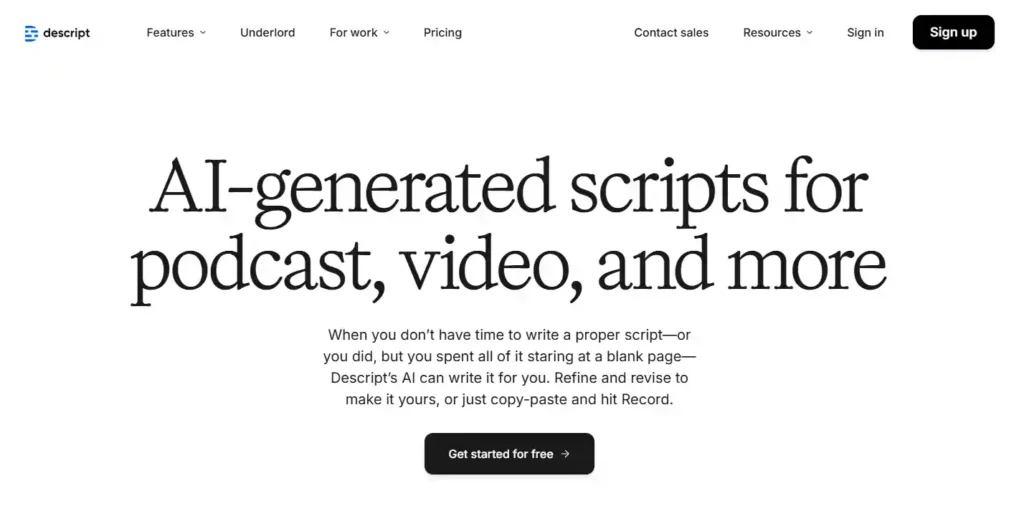
Descript flips editing upside down—you treat video like a Google Doc. Transcribe your talking-head clip, delete “uhms” in text, and poof, they’re gone from audio/video too. Podcasters and educators dig it for fixing flubs via Overdub (type fixes in your voice) without reshooting.
Workflow gold: record, transcribe, edit text, export Short. Unique? Studio Sound turns phone audio pro.
Key Features:
Pros & Cons:
Best For: Podcasters and talkers editing speech-heavy Shorts.
Pricing: Creator from $12/month. Pricing may vary; check official site.
VEED.IO
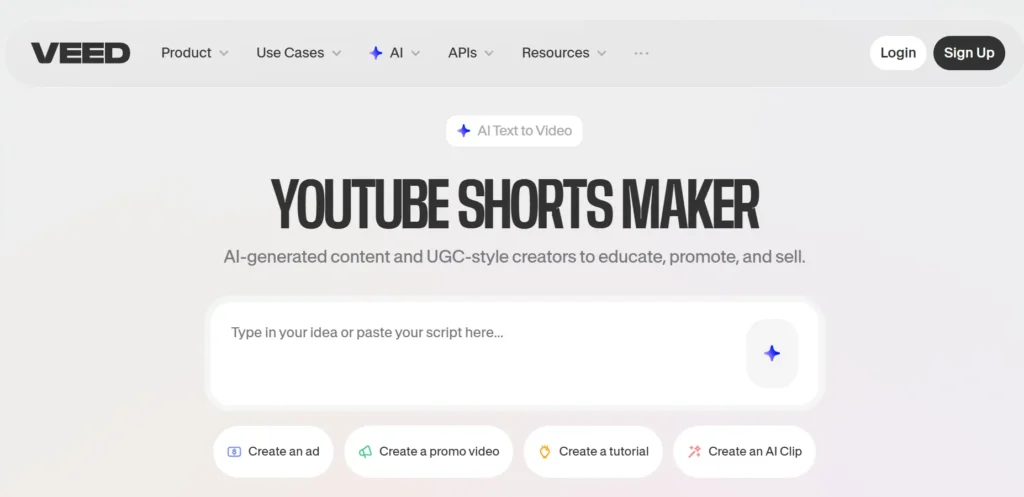
VEED takes rough clips to influencer-slick in minutes with dead-on auto subs and eye fixes. It nails “make me look pro fast” by styling captions like top creators and cleaning gazes. Beginners and polish seekers use it daily for that instant upgrade.
Post-record: upload, auto-enhance, post. Killer feature? Avatars for faceless talking heads.
Key Features:
Pros & Cons:
Best For: Influencers wanting quick, pretty polish.
Pricing: Lite $12/month. Pricing may vary; check official site.
Adobe Premiere Pro (AI Features)
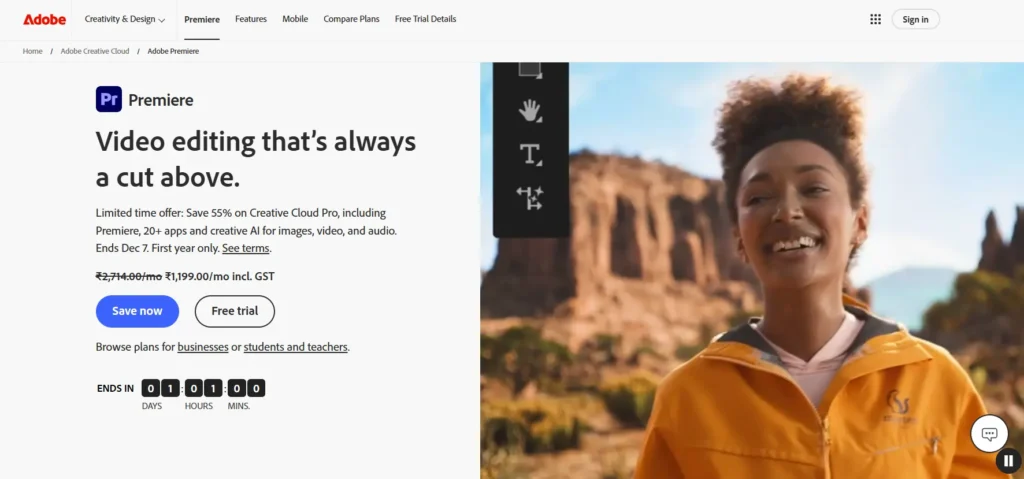
Premiere’s AI turns beast-mode editing into smart assists—like Auto Reframe keeping faces center in vertical. Pros use it to elevate Shorts to cinematic without full manual grind, solving “horizontal to viral vertical” pains.
Workflow: shoot wide, AI crops/reframes, enhance speech, export. Edge? Industry integrations galore.
Key Features:
Pros & Cons:
Best For: Pros demanding flawless output.
Pricing: $22.99/month. Pricing may vary; check official site.
Canva AI Video Generator
Canva’s Magic Studio blends your clips with graphics like a dream, auto-syncing beats for hype energy. Graphic lovers fix “plain video needs pop” by layering animations easy. ThumbnaiL pros stay here for seamless flow.
Idea to Short: design, sync, export. Unique? Brand kits one-click.
Key Features:
Pros & Cons:
Best For: Designers mixing visuals and clips.
Pricing: Pro $12.99/month. Pricing may vary; check official site.
Clipchamp AI
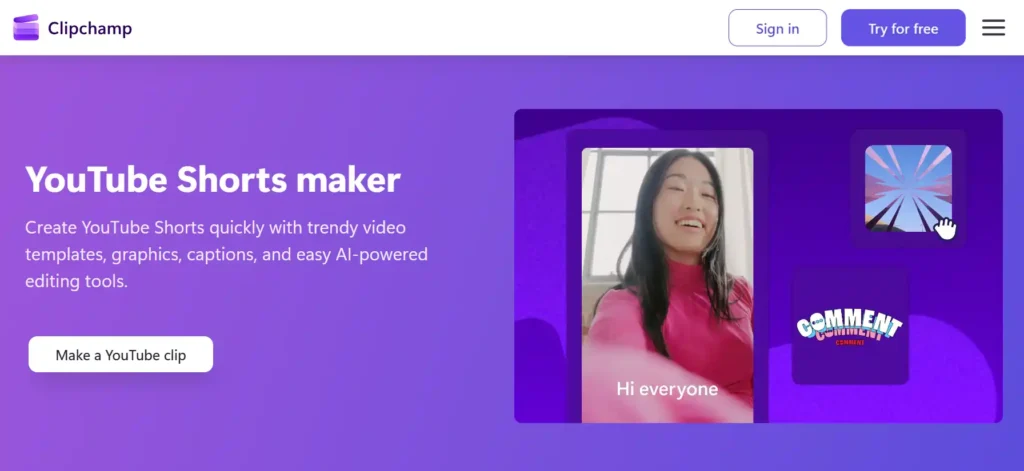
Clipchamp, baked into Windows, auto-builds montages from your picks with solid TTS voices. Casual Windows users solve “free pro tool?” quick. Hobbyists love drag-drop simplicity.
Shoot, compose, caption, go.
Stands out: Speaker Coach pacing tips.
Key Features:
Pros & Cons:
Best For: Windows beginners starting free.
Pricing: Premium $11.99/month. Pricing may vary; check official site.
Opus Clip
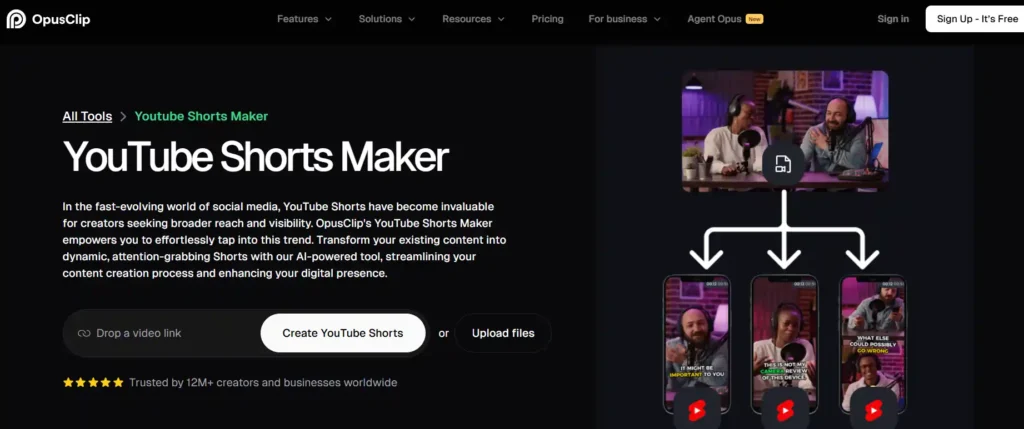
Opus Clip devours long vids, birthing 10+ Shorts ranked by virality score. Repurposers fix “one video, endless content?” auto. Podcasters/streamers automate feeds.
Upload link, score clips, post. Magic: Speaker track + emojis.
Key Features:
Pros & Cons:
Best For: Long-form to Shorts repurposers.
Pricing: Starter $15/month. Pricing may vary; check official site.
Which Tool Is Best for Which Creator?
Frequently Asked Questions(FAQs)
Do AI YouTube Shorts tools actually boost virality?
Free vs paid AI Shorts tools—which win?
How do AI captions skyrocket retention?
Best for repurposing long videos to Shorts?
Can I cross-post AI Shorts to TikTok/Reels?
Top automation tool for daily Shorts?
Quickest from idea to viral Short?
InVideo AI: type prompt, 2 mins later, export-ready with captions.
Final Verdict
In 2026, ignoring AI short video generators for YouTube Shorts is like fighting the algorithm with a butter knife—you’ll get crushed. These YouTube Shorts makers explode your output 10x, mastering viral YouTube content tools with killer hooks, AI captions, and trending Shorts ideas AI that demand retention.
Overall winner? The virality score leader turns long footage into repurpose long videos to Shorts magic. Speed demon? Text-to-video AI blasts ideas to exports in minutes. Quality king? Pro-grade short-form editing AI for cinematic polish. Newbies? Free auto subtitle generator tiers launch you instantly.
Grab your AI clip cutter, run a 7-day test, watch views skyrocket. Short-form content automation + auto video generator = your viral breakout. One click starts the domination! 🚀

Founder and blogger at BestAIToolsHub.io, Explores and reviews AI tools that help people work smarter. With a passion for technology and content creation, Shares honest insights, comparisons, and practical guides. Goal is simple: make AI tools easy to understand and useful for everyone.


Leave a Reply